July 23, 20267 min read
Birthday Party Photo Sharing: The Easy QR Code Method
Birthday party photo sharing made simple: one QR code, guests upload every candid, a live slideshow plays, and the gallery never expires. No app, free to start.

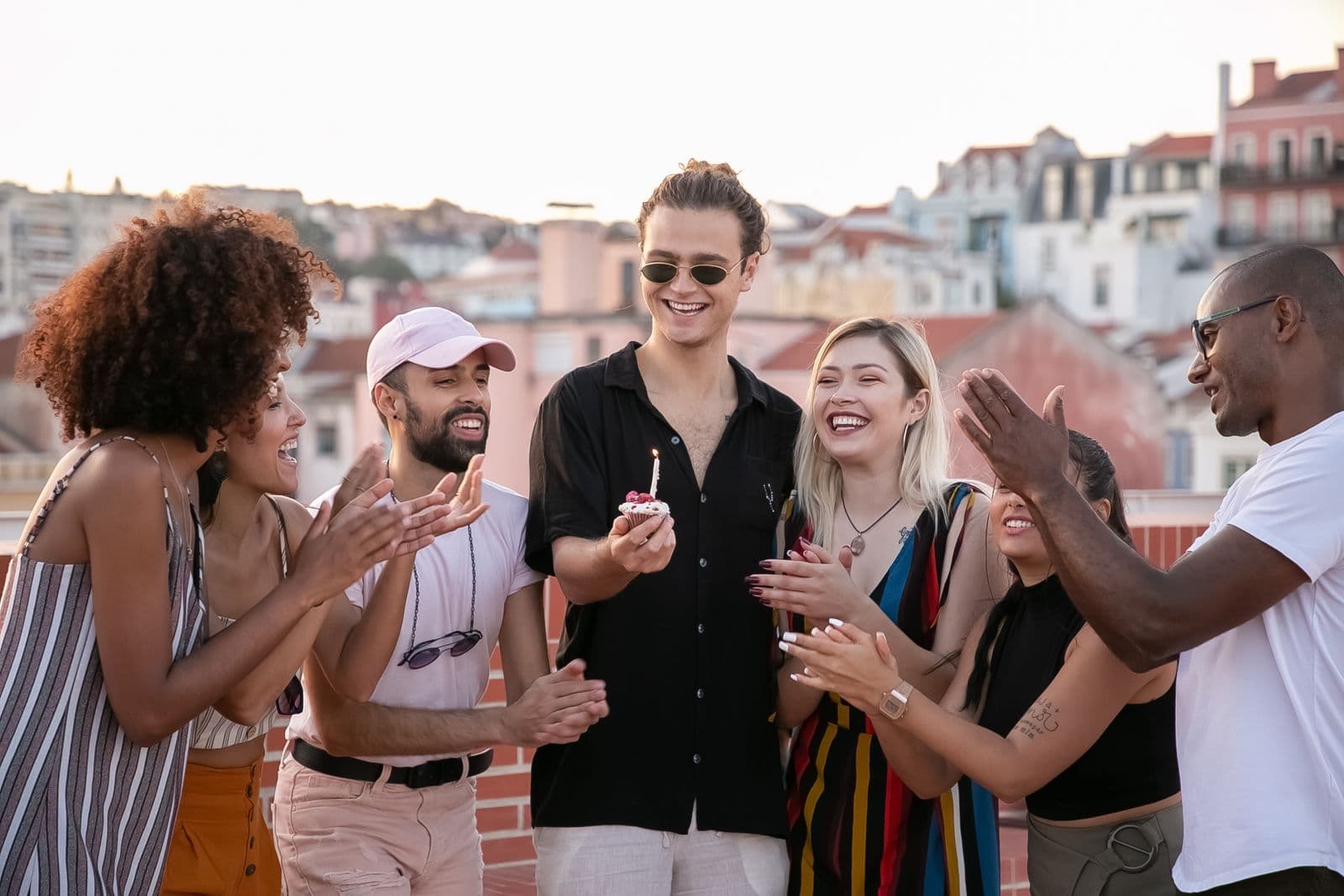
Here is the quiet irony of almost every birthday party: the person the whole thing is for ends up with the fewest photos of it. You spend the night greeting people, refilling drinks, and lighting candles, and when it is over your camera roll holds three blurry frames and a photo of the cake box. Meanwhile forty guests each shot a dozen great candids of you, every one now trapped on a phone you will never see. That is the real problem with birthdays, and it is fixable.
The fix is one QR code and a shared gallery. Guests scan the code, their phone browser opens, and they upload full-resolution photos in seconds, with no app and no account. Everything lands in one place, a live slideshow plays the photos on a TV during the party, and the gallery never expires. This guide covers the birthday-specific setup: milestone parties, kids' parties, surprise reveals, and getting the originals afterward. For the broader version that covers any gathering, see how to collect photos from party guests.
Why Birthdays Are the Worst for Trapped Photos
Weddings have a photographer. Birthdays almost never do, which means every photo of the night is a guest photo. Nobody is being paid to point a lens at the cake moment, so if the room does not capture it, it did not happen as far as your memories are concerned.
The group chat does not work
The usual plan is a group chat or a promise that everyone will tag you on Instagram. Neither works. Messaging apps crush photos to a fraction of their resolution, so the shot you loved is now too soft to print. Half the guests forget, and the rest send anything three weeks later, scattered across a dozen threads. You end up texting people one by one and still missing the night.
One code fixes all of it
A single shared gallery flips it around. Instead of you chasing forty people, forty people upload to you. Photos arrive at full resolution because they go straight to the gallery, and uploads keep coming for days as people get home and go through their phones. Setting it up is the same process as how to make a QR code for photos, and it takes about five minutes.
Setting It Up Before the Party
Do the setup the day before, not while guests are arriving. The whole point is that on the night you do nothing but enjoy the party while the gallery fills itself.
- Create the gallery a day early. Give it the person's name and the milestone, like "Dana's 40th," so it is easy to find later.
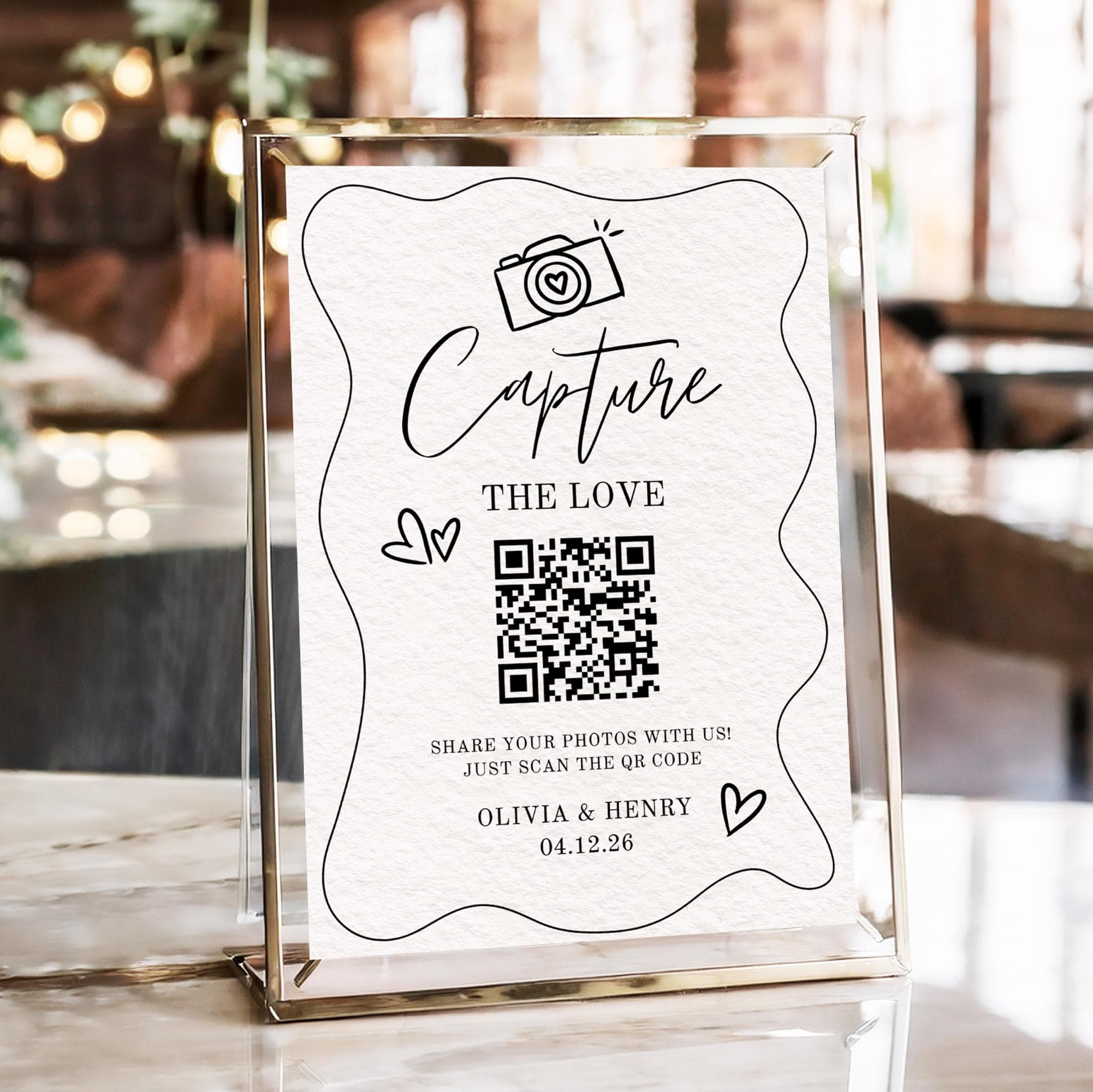
- Print the QR code big. A code the size of a coaster scans easily across a table. Print a handful for every table, the bar, and the gift area.
- Add one line of instruction. Under the code, print "Scan to add your photos, no app needed." That sentence removes almost every hesitation a guest has.
- Test it yourself. Scan your own code and upload a test shot. Confirm it appears, then delete it. Thirty seconds now saves confusion later.
- Set up the slideshow screen. If you have a TV or spare monitor, open the live slideshow so photos appear as they are uploaded.
The Live Slideshow Is the Secret Weapon
The single best thing you can do at a birthday is put the photos on a screen as they arrive. A live slideshow does two jobs. First, it is genuinely fun: guests love seeing their shot pop up on the TV. Second, it is the best nudge to upload, because every time a new photo appears, three more people scan the code to get theirs on screen too.
For a milestone birthday, add ten or fifteen old photos of the birthday person before the party so they play between the live candids. A baby photo of the 50-year-old sliding past on the big screen gets a bigger reaction than anything else you can plan. The screen setup works like display guest photos on a screen, just scaled to a living room.
The Surprise Party Angle
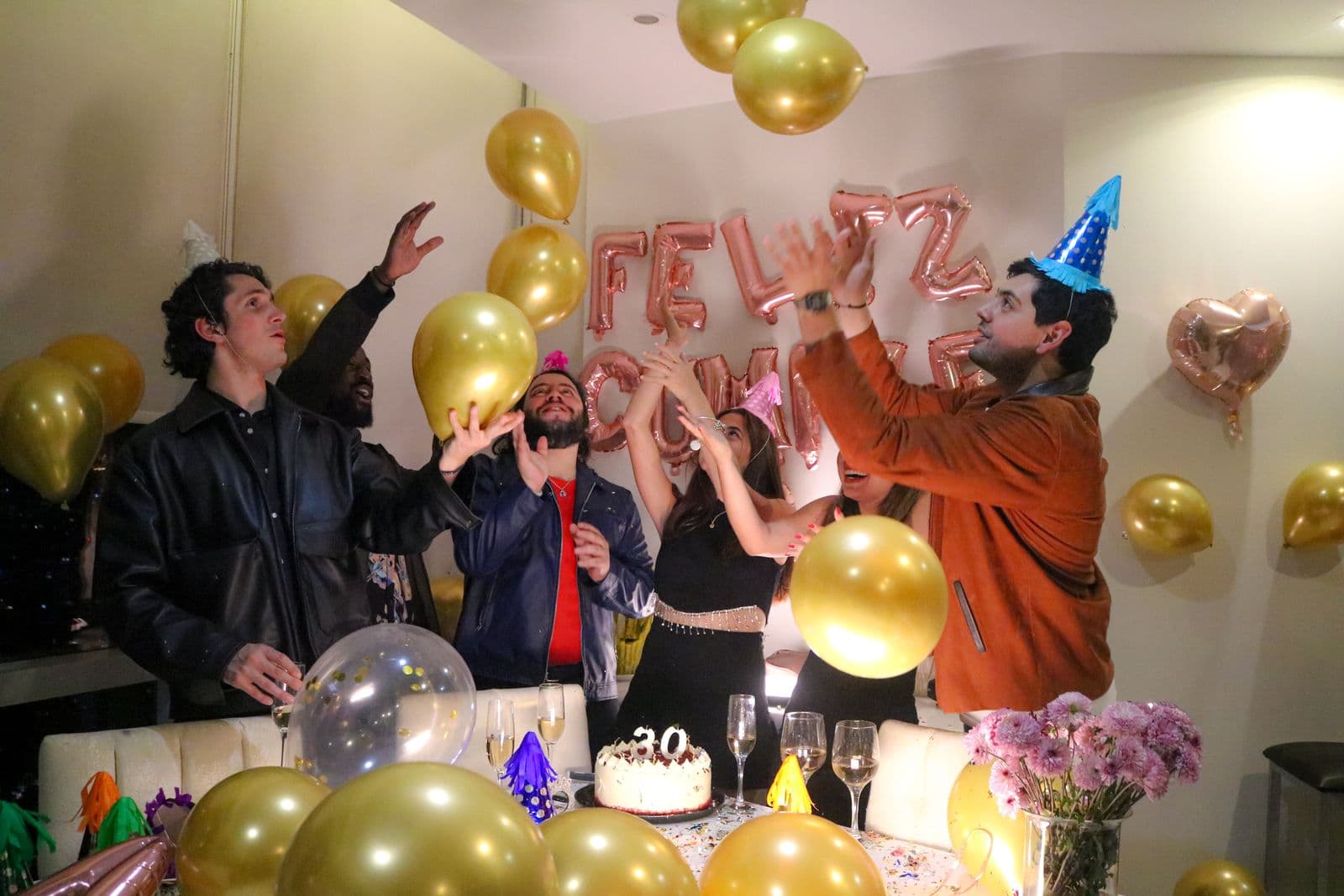
Surprise parties get a bonus trick. Because you control the gallery before the guest of honor knows anything, you can collect photos secretly in advance. Ask invited guests to upload their favorite old photos and clips in the weeks beforehand, then play them as a slideshow montage right after the reveal. The room goes quiet, the birthday person tears up, and you have the emotional high point of the night without hiring anyone.
After the surprise lands, the same gallery keeps running for the rest of the party. It is two events in one code: the buildup and the party itself.
Kids' Parties: Parents Love Getting the Photos
A children's birthday is a photo goldmine that usually goes to waste. Every parent is filming their own kid, which means the birthday child's parents are the one household that misses most of the action, because they are busy running the party. Put a QR code by the food table and ask parents to add their shots. It works both ways: they upload what they took, and they get everyone else's photos of their own child too. You come away with a full set of the party, and every other family gets candids of their kid they would never have had. It is the rare party favor everyone actually wants.
A Birthday Photo Checklist
Every birthday has a handful of shots worth making sure someone catches. Keep this list in mind, or text it to a couple of reliable friends before the party.
| Moment | Who catches it best | Why it matters |
|---|---|---|
| The arrival | First guests in | The room before it fills, decorations still perfect |
| Cake and candles | Two or three people | The shot everyone assumes someone else got |
| The reaction | A friend facing them | The face during the song beats the cake itself |
| Group photo | Anyone with a tripod | The only frame with everyone in it |
| The dancing | Whoever is on the floor | Late-night candids are what you rewatch |
| Quiet moments | Guests at the edges | The small stuff between the big moments |
Getting the Originals for a Photo Book
This is where the birthday gallery pays off long after the party. Because guests upload full-resolution originals rather than compressed messaging-app copies, you can download every photo at print quality and turn the best into a photo book, a framed print, or a shared family album. A group chat could never give you this.
And because the gallery never expires, there is no deadline. You do not have to build the book the week after the party while you are still cleaning up streamers. The photos are safe, at full quality, next month or next year. A milestone birthday only happens once, and the photos are the part you keep. Set it up once, let the slideshow do the nudging, and download the originals afterward. That turns the birthday person from the one who missed the photos into the one with all of them.
Frequently asked questions
How do guests share photos at a birthday party?
The easiest way is a single QR code linked to a shared gallery. Guests scan it with their phone camera, the browser opens, and they upload full-resolution photos in seconds, with no app and no account. Everything guests shoot lands in one place automatically instead of scattered across phones and group chats.
What is the best way to collect photos from a surprise party?
Create the gallery before the guest of honor knows anything, and ask invited guests to upload old photos and clips in the weeks beforehand. Right after the reveal, play them as a slideshow montage for the emotional high point of the night. The same gallery then collects live candids all party long.
Is this good for kids' birthday parties?
Yes, and it is especially useful there. The birthday child's parents are usually too busy running the party to take photos. A QR code lets every other parent drop in their shots, and in return each family gets everyone else's photos of their own child.
Why not just use a group chat or Instagram tags?
Messaging apps compress photos to a fraction of their resolution, so the shots are too soft to print. People forget to send them, or send them weeks later across separate threads. A shared gallery keeps every photo at full quality, in one place, uploaded by guests themselves, so you never have to chase anyone or piece the night back together.
How long do the photos stay available?
With SeeEveryMoment the gallery never expires, so the photos stay at full resolution for as long as you want. That matters for birthdays, because you can download the originals for a photo book or prints whenever you get around to it, with no deadline.
How do I get birthday guests to actually scan the code?
Make it impossible to miss and give people a reason. Put a card on every table and one by the cake and the bar, announce it once when everyone is gathered, and tell guests the birthday person wants their candids. A quick line like scan to send your photos to the birthday gallery works better than a bare QR code, because people upload when they know exactly what it is for.
Get every photo from the party
One QR code, guests upload every candid to one gallery, no app, and a live slideshow plays it all night. The gallery never expires. Free to start.