June 26, 20267 min read
How to Make a QR Code for Wedding Photos (Step by Step)
Learn how to make a QR code for wedding photos step by step. Point it at an upload page, download it crisp, print it, and test it before the big day.
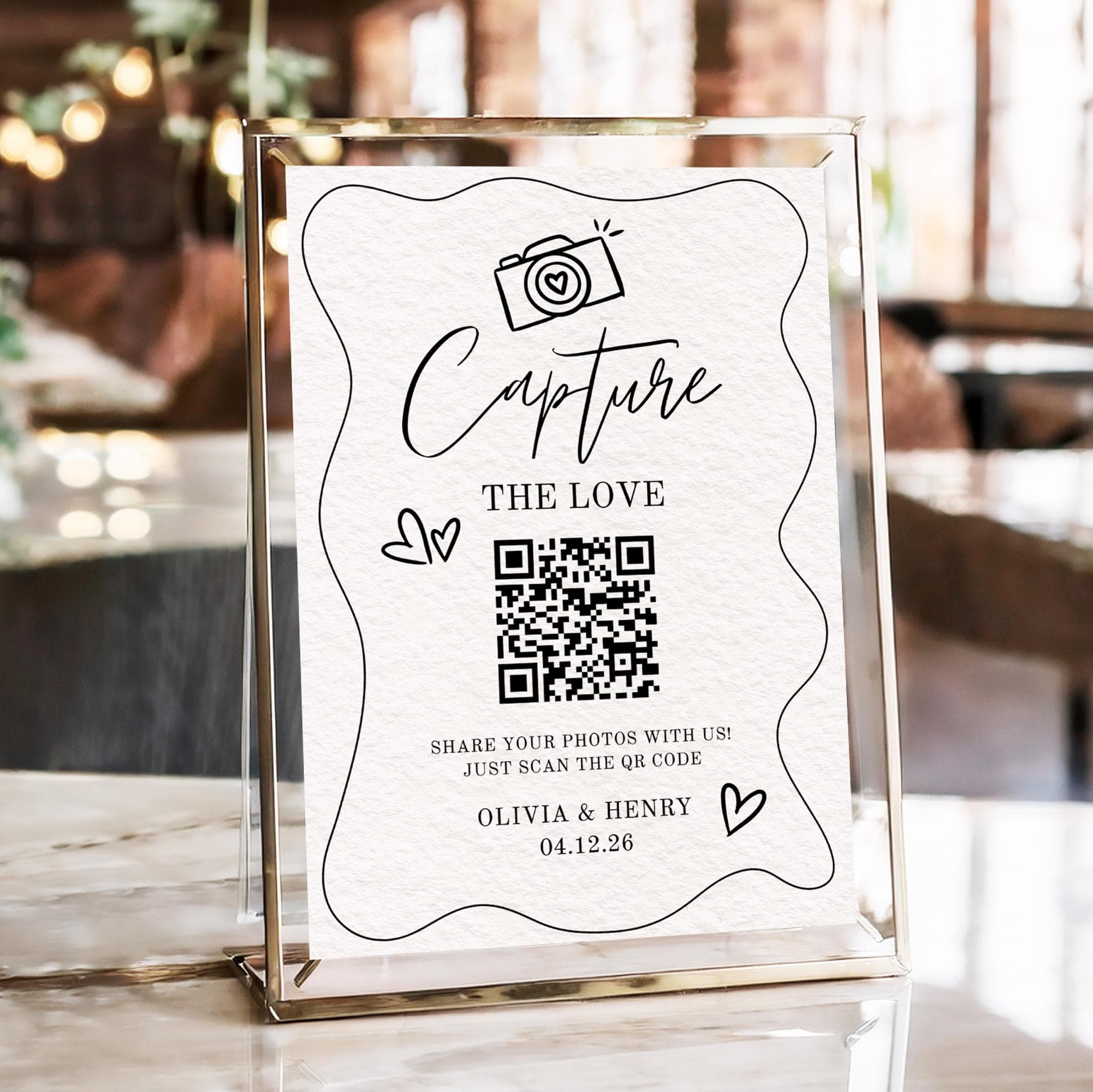
The goal is simple. You want a small printed code that, when a guest scans it, lets them upload the photos they took straight to you in seconds. No chasing camera rolls weeks later, no missed moments. Just a code on a sign and a steady stream of candid shots landing in one place you keep forever.
Making one is genuinely easy, but only if you get a few details right. Point it at the wrong page, print it too small, or skip testing, and you end up with a code that frustrates guests instead of delighting them. This guide is the exact step-by-step for producing a wedding photo QR code that actually works on the day.
What Your Wedding Photo QR Code Actually Needs to Do
A bare QR code is nothing more than a link wrapped in a pattern a phone camera can read. What matters is where that link goes. For collecting wedding photos, the code must point to an upload page: a screen where a guest can pick photos from their camera roll and send them to you. That is the single most important detail in this guide.
It must not point to a gallery that only lets guests view photos, because viewing is not uploading. It must not point to an app store, because making guests install an app loses most of them. And it should not point to a login wall. The destination has to be a page that opens in the browser and invites an upload right away. Get the destination right and the rest is just printing and placement.
Two Ways to Make a Wedding Photo QR Code
There are two realistic routes to producing your code, and they differ mostly in how much work you have to do yourself:
| Method | Points to an upload page? | Link can change later? | Reliability |
|---|---|---|---|
| Dedicated photo service (e.g. SeeEveryMoment) | Yes, built in automatically | Yes, the service manages it | High, the code and page are made for this |
| Free QR code generator | Only if you build and host the page yourself | Usually no, most encode a static link | Mixed, depends on your hosting |
For almost every couple, the dedicated route is the better choice, and the reason is practical. Free generators usually only encode a static link, and they assume you already have a working upload page sitting at a web address you own and host. You do not get the upload page itself, just the code that points at it. A dedicated service gives you the upload page, the gallery behind it, and a code that already points to the right place, all in one step. For the full background on the options and trade-offs, read the complete QR code wedding photos guide.
How to Make Your QR Code: Step by Step
- Decide where it points. Confirm the destination is your photo upload page, the screen where guests can add pictures, not a gallery to browse and not an app download.
- Create your event or paste your URL. With a dedicated service, create your event and the code plus the upload link are generated for you instantly. With a free generator, paste your own upload URL into the tool to encode it.
- Choose dynamic over static if using a generator. A dynamic code routes through a redirect you can edit later, so the destination can change without reprinting. Pick this option whenever the generator offers it.
- Download at high resolution. Save the code as an SVG, or a PNG at 1000 pixels or larger. A small low-resolution file turns blurry the moment you print it on a sign, and blurry codes do not scan.
- Place it on a clean sign with a short instruction. Drop the crisp code onto a simple sign and add one warm line of text so guests know what scanning will do.
- Print and test. Print the sign at its real size, scan it with your own phone, and upload a test photo to confirm the whole flow works end to end before the wedding.
Static vs Dynamic QR Codes (and Why It Matters for Weddings)
This sounds technical, but it changes how much can go wrong, so it is worth a minute. A static QR code has the destination URL baked directly into the pattern. The pattern is the address. That means the code can never be changed once printed, and if the link behind it ever breaks, the code is dead and you would have to reprint everything.
A dynamic QR code is different. The pattern encodes a short redirect address, and that redirect points onward to your real upload page. Because you control the redirect, you can change where the code ultimately sends people at any time, without touching the printed pattern at all. For a wedding, dynamic is the safer choice every time. If a link breaks the week before, or you need to swap the destination, you fix it in a few clicks rather than reprinting fifty table signs. Dedicated services handle all of this for you behind the scenes, so you never have to think about redirects.
Designing the Sign Around Your QR Code
The code is only half the job. The sign around it decides whether guests actually scan. Keep these practical points in mind:
- Mind the minimum size. Print the code at least 3cm by 3cm (about 1.2in), and larger for signs people read from a distance. Small codes are the most common reason scans fail.
- Use high contrast. Dark code on a light background reads best. Pale grey on cream or white on a busy colour can stop phones from locking on.
- Leave a quiet margin. Keep a clear border of white space, often called the quiet zone, around the code so nothing crowds the pattern.
- Avoid busy backgrounds. Do not place the code over a photo or a dense pattern, which can confuse older cameras and slow the scan.
- Add one warm instruction. A single friendly line, such as "Scan to share your photos from today," tells guests exactly what to expect.
For the wording and placement strategy in more depth, including where on the tables signs perform best, the collect every photo guide goes further than we can here.

How to Test Your QR Code Before the Wedding
Never trust a code you have not scanned. A two-minute test now saves a ruined collection later:
- Scan the printed code with an iPhone, and then with an Android phone, since the two cameras behave slightly differently.
- Confirm it opens your upload page in the phone's browser, and not an app store or a login screen.
- Upload one test photo from each phone so you know the upload step itself works.
- Check that the photo actually lands in your gallery where you expect to find it.
- If the code looks soft or refuses to scan, re-export it at a higher resolution and re-print before the day.
Common Mistakes That Break a Wedding QR Code
- Printing it too small. A tiny code on a place card is the single most frequent failure. When in doubt, make it bigger.
- Low contrast or a busy background. Faint colours or a patterned backdrop stop phones from reading the pattern cleanly.
- Linking to an app store or a login wall. Any extra step before uploading costs you most of your guests. Send them straight to the upload page.
- Using a static free code that later expires. If the page behind a static code goes away, the code is dead and cannot be fixed without reprinting.
- Never testing it. Assuming it works is how couples discover on the day that it does not. Always scan and upload first.
Once your code is made, downloaded crisp, printed, and tested, the hard part is behind you. The rest is just letting your guests do what they already love, which is taking photos. If you are still weighing how to gather and then hand those photos back to everyone afterwards, our guide to the best way to share wedding photos with guests walks through the whole picture from collecting to sharing.
Frequently asked questions
Can I make a wedding photo QR code for free?
You can generate the code itself for free with an online QR generator, but that only encodes a link. You still need a working upload page for it to point at, which is the part free tools do not give you. A dedicated service provides both the upload page and the code together, usually for one flat fee.
Do guests need an app to scan it?
No. Modern iPhone and Android cameras read QR codes natively, with no scanner app to install. As long as your code points to a browser upload page rather than an app store, guests can scan and upload in seconds without downloading anything.
What size should a wedding QR code be?
Print it at least 3cm by 3cm (about 1.2in), and larger for welcome signs people read from a distance. Keep a clear margin of white space around it and use high contrast so phones lock on quickly.
Will the QR code still work after the wedding?
It depends on the type. A dynamic code, which dedicated services use, keeps working as long as the service does, and the destination can be updated at any time. A static free code only works while the exact page it links to stays online, so it can break if that page is taken down.
Can one QR code collect photos from every guest?
Yes. A single code can be scanned by as many guests as you like, and every upload flows into the same shared gallery. That is why one code on repeated table signs is all you need to gather photos from the entire wedding.
Make your wedding photo QR code in minutes
Create your event, download your QR code, and start collecting every guest photo. No app for guests.