The best photos of your wedding are on your guests' phones.
One QR code turns every guest into your photographer. No app, no accounts.
 Every guest. Every angle.
Ava & Jamie
Live slideshow
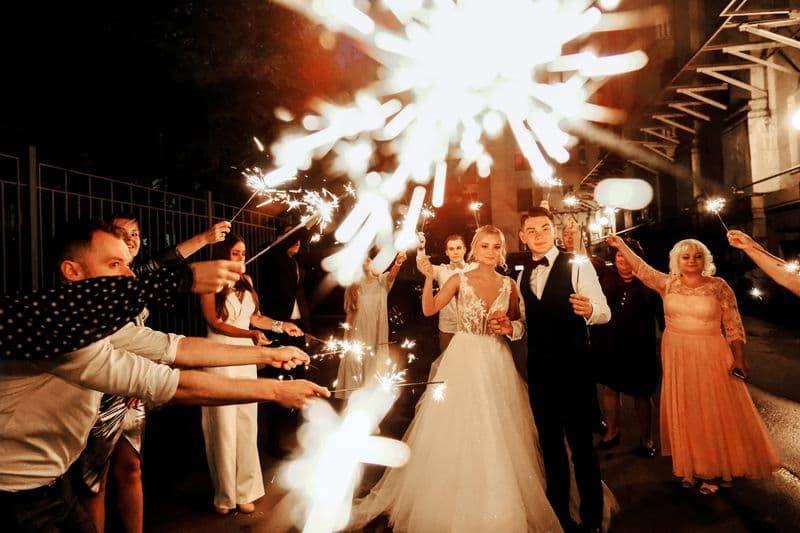

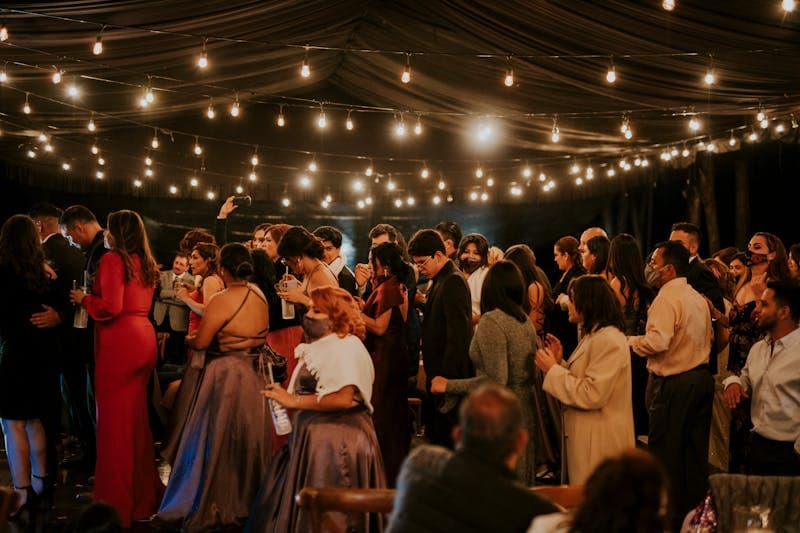

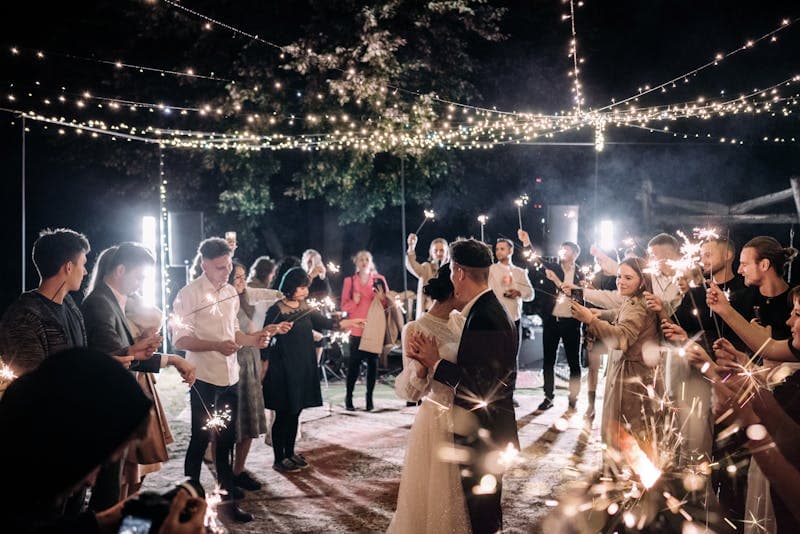
How it works
Three steps to a gallery full of memories
It takes minutes to set up and seconds for guests to use.
Step 1
Create your event
Sign up and add your details. Two minutes, tops.
Step 2
Guests scan and upload
They join with a QR code or link. No app, no account.
Step 3
Relive every moment
Live slideshow or download all photos after the event.
Loved by couples
The moments they almost missed
Real couples, real events, and photos they would have otherwise lost
“Very easy to set up, and we collected tonnes of funny photos a photographer would never catch!”
“For $35 we could not say no!”
“You wake up the morning after. Before you've even had coffee, there are 240 photos waiting.”
The problem
Dont you delete photos from your camera roll?
Some of the best photos, you will never see!
100s
of photos taken
Every body sees a different view.
Most
never get shared
They sit in camera rolls, or deleted due to embarrasment
0
second chances to get them back
It could be the funniest moment of the night?
Pricing
One simple price per event
No subscriptions. Pay once for your event and collect every moment.
Event Package
approx £28 / €33, one-time
One event. Unlimited guest uploads on the day.
- Unique guest upload link
- Printable QR code
- Live slideshow
- Configurable slideshow delay
- Host photo management
- Download your photos
One payment. No subscription, no auto-renewal — your gallery never expires.
We guarantee you won't regret it!
“For $35 we could not say no!”
Why couples love it
Photos a photographer could never catch.
Your guests see everything you can't. Now all of it comes back to you. Every candid, every laugh, every angle of the day, gathered in one gallery by the morning after.
“Tonnes of funny photos a photographer would never catch!”— Josh & Marina
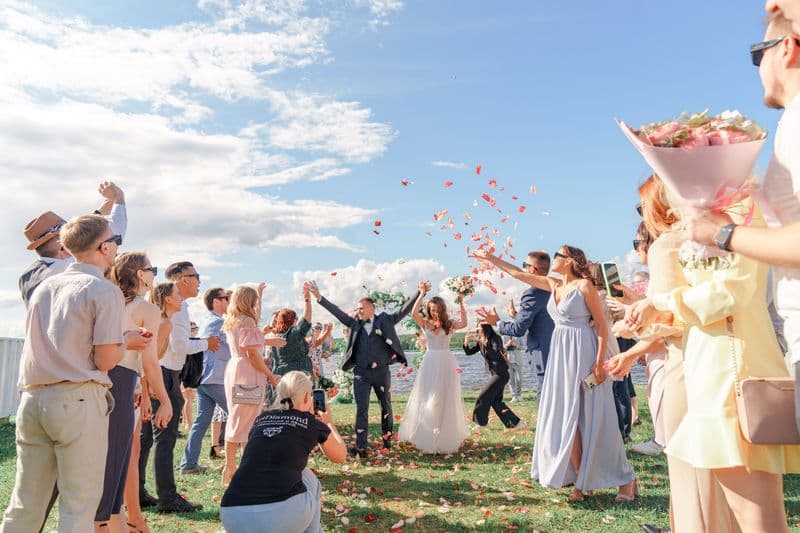
Easy for every guest
One scan, any phone. No app, no account, no instructions. Everyone can join in.
The big screen, all night
Photos appear in a live slideshow as the party happens. The room can't look away.
Your day, your call
Quietly hide anything you'd rather not show. You're always in control.
Yours forever, full quality
Download every full-resolution photo and keep them long after the last dance.
FAQ
Frequently asked questions
Do guests need an app or an account?
Neither. Guests scan your QR code (or open your link), pick photos from their phone, and tap upload — straight from the browser. Nothing to install, no sign-up.
Can we show photos on a screen during the day?
Yes. Your event has a live slideshow you can display on any screen or projector, and new photos appear automatically.
Can we remove a photo we'd rather not show?
Yes. As the host you can hide or delete any photo, so you stay in control of what appears.
Can we use it for events other than weddings?
Absolutely. It's perfect for birthdays, parties, baby showers, and corporate events too.
Can we download all the photos afterwards?
Yes. After the event you can download every full-resolution photo to keep forever.
Explore
Every kind of event, and how to make it work
Not just weddings, and not just the basics. Here is where to start.
What it does
- The Wedding Photo App Guests Never Download
- QR Code Photo Sharing for Any Event
- The Live Wedding Slideshow App for Guest Photos
Popular guides
- How to Collect Every Photo Your Wedding Guests Take (2026 Guide)
- Wedding Guest Photo Sharing: Everything You Need to Know
- QR Code Wedding Photos: The Complete Guide for Couples
- How Much Does a Wedding Photo App Cost? (2026)
- Best Wedding Photo Sharing Apps in 2026 (Honest Comparison)
- Do Wedding Guests Need an App to Share Photos?
- WhatsApp Wedding Photo Quality: Why Photos Arrive Blurry
- Are Wedding Photo Apps Safe? What to Check First
- Wedding Photo Sharing Sign Wording: 25 Examples That Work
- How to Make a QR Code for Wedding Photos (Step by Step)
- Free Wedding QR Code Sign Templates (and a Better Alternative)
Ready to collect every moment?
Create your event in minutes and make it easy for guests to share their photos.
Create Your Event