July 2, 20268 min read
Wedding Photo Sharing Sign Wording: 25 Examples That Work
Wedding photo sharing sign wording made easy: 25 copy-paste lines for QR code signs, from simple to romantic to playful, plus what makes each one work.
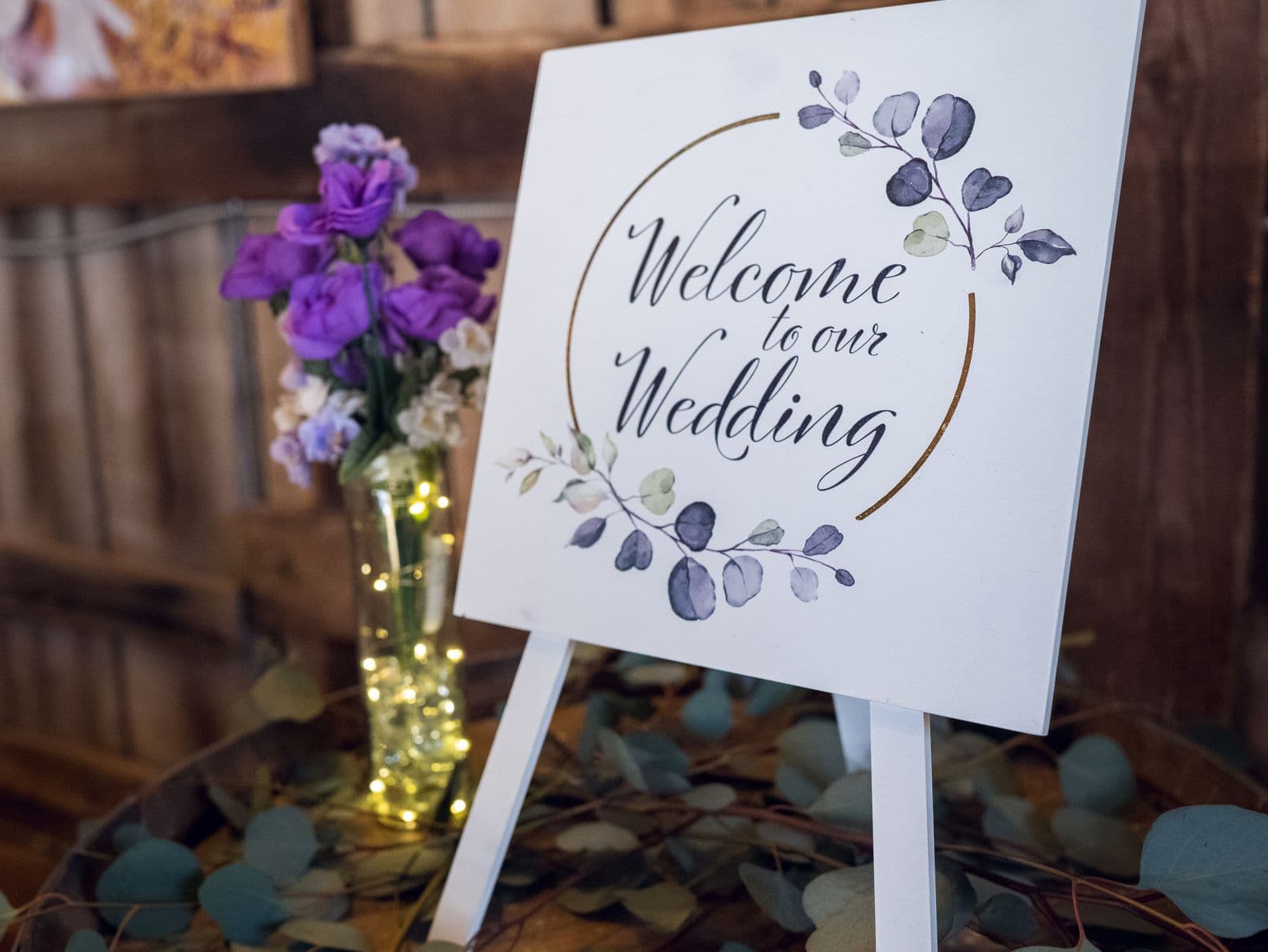
You can set up a perfect photo-sharing system for your wedding, print a crisp QR code, and still end up with an almost empty gallery. The thing that decides whether guests actually scan and upload is not the technology. It is the handful of words printed above the code. A flat, wordy, or bossy sign gets ignored while everyone walks past. A warm, clear line gets phones out of pockets.
So this is the swipe file. Below are 25 wording examples you can copy straight onto a sign, sorted into five styles so you can match the voice of your day, whether that is elegant and understated or loud and fun. Before the lists there is a short section on what actually makes this wording work, because once you understand the pattern you can tweak any line to sound exactly like you.
What Makes Photo-Sharing Sign Wording Work
Every line that gets scanned does the same four small jobs. It gives one clear instruction so nobody has to think, it offers a tiny reason to care so the request feels meaningful rather than like admin, it sounds warm and human rather than corporate, and it makes the next step obvious so the guest knows scanning is all they need to do. Miss any one of those and the sign leaks scans. Hit all four in a single short sentence and guests act almost without deciding to. The best signs read like something a friend would say, not an instruction manual. Read your line out loud before you print it. If it sounds like something you would actually say at your own wedding, it will land. If it sounds like a notice on an office wall, soften it until it feels like an invitation.
- One clear instruction. Point at a single action, usually scan and share, so there is nothing to work out and no second step to lose people.
- One reason to care. A short why, such as capturing the moments the photographer will miss, turns a chore into something the guest wants to do.
- A warm, human voice. Write the way you speak. "We would love to see it" beats "photo submission requested" every time.
- A visible next step. Make it plain that scanning the code is the whole job, and that there is nothing to download and no sign-in.
5 Simple and Clear Examples
When in doubt, keep it short and plain. These lines work at any wedding because they get straight to the point and leave no room for confusion.
- "Snap. Scan. Share. Add your photos to our wedding album in seconds."
- "Took a photo today? Scan the code and send it our way."
- "Help us collect every moment. Scan to upload your photos and videos."
- "Point your camera at the code, tap the link, and share your shots. That is it."
- "Our album, your view. Scan the code to add the photos you took today."
5 Romantic and Heartfelt Examples
If your day leans soft and sentimental, let the sign match. Heartfelt wording works because it tells guests their photo genuinely matters to you, which is the most persuasive reason of all.
- "We want to remember today through your eyes. Scan the code and share the moments you captured."
- "The best memories are the ones you did not know we missed. Scan to share your photos with us."
- "Every glance, every laugh, every quiet moment. Help us keep them all by scanning to upload your photos."
- "Love was all around today, and you saw parts of it we never will. Scan the code and show us."
- "One day, we will look back on today. Please scan and add your photos so the whole story is here."
5 Fun and Playful Examples
A playful sign signals that sharing is part of the party, not a task. Witty wording gives permission for the blurry, silly, dance-floor shots, which are often the ones couples treasure most.
- "Our photographer cannot be everywhere. Luckily, you can. Scan and share your best shots."
- "Caught us on camera? Do not keep it to yourself. Scan the code and spill."
- "Be our paparazzi for the night. Scan the code and upload the evidence."
- "Blurry, badly lit, questionable dance moves? Perfect. Scan and send them all our way."
- "Warning: this album accepts unflattering photos of the newlyweds. Scan to contribute."
5 Formal and Elegant Examples
For a black-tie or classic wedding, the wording should feel refined without turning stiff. Keep the same clear instruction, just dressed in more graceful language.
- "We would be delighted to see the day through your lens. Kindly scan the code to share your photographs."
- "Your presence made today complete. Please scan to add your photographs to our wedding collection."
- "A gentle request from the newlyweds: scan the code below to share the moments you captured with us."
- "With gratitude for celebrating alongside us, we invite you to scan and contribute your photographs."
- "Grace us with your view of the day. Scan the code to add your images to our gallery."
5 Short Lines for Table Cards and Place Cards
On a small card there is no room for a paragraph. These lines carry the whole ask in a few words, so a QR code and a single sentence are all that fit.
- "Scan to share your photos."
- "Your photos, our album. Scan here."
- "Snap it, scan it, share it."
- "Add your shots to our day."
- "Seen a moment? Scan and share."
Where to Put Each Type of Sign
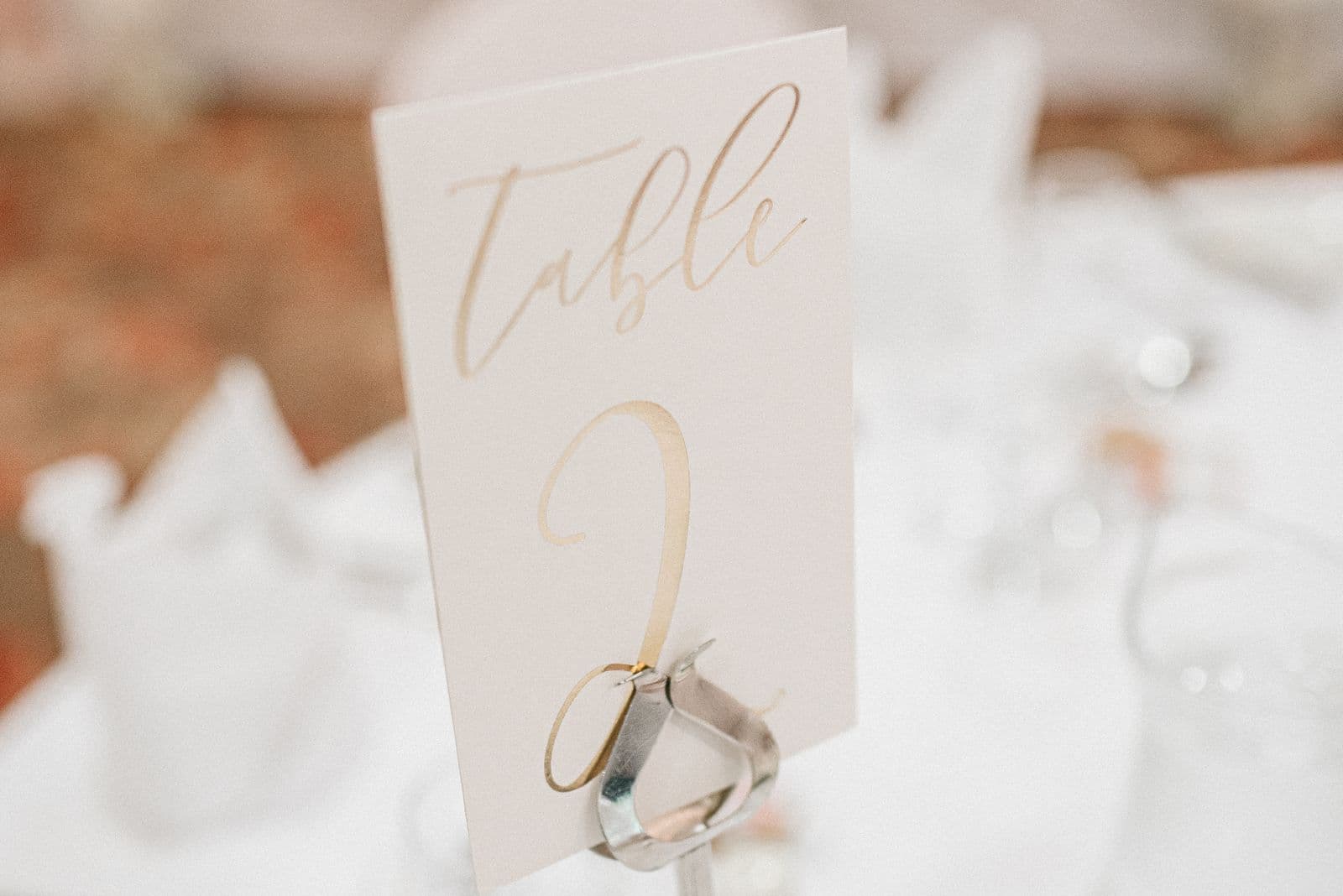
The same wording does not belong everywhere. A welcome sign has room to set the tone, while a place card needs to say one thing and step out of the way. Match the line to the spot and each sign pulls its weight.
| Sign location | What to say | Why |
|---|---|---|
| Welcome sign or entrance | A warm, slightly longer line with the reason, such as "Help us remember today through your eyes. Scan to share your photos." | Catches every guest as they arrive with phones already out, and sets the tone for the whole day. |
| Dinner table cards | A short standing reminder like "Took a photo? Scan and add it to our album." | Sits in front of seated guests for hours, so it is there every time someone glances down. |
| The bar | A playful nudge such as "One for the road, one for the album. Scan and share." | Reaches relaxed guests in a social moment when they are most likely to be snapping candids. |
| Order of service | A single tucked-in line like "Scan to share your photos with us." | Puts the ask in everyone's hands early, gently, without needing a separate sign. |
Turning the Wording Into Uploads
Wording only earns its keep if the scan lands somewhere frictionless. The moment a guest scans, they should see a plain browser upload page that opens instantly, with nothing to download and no account to create. If the code opens an app store or asks anyone to sign in, even your best line loses most of its scans in the first three seconds. The wording gets the phone out; the destination decides whether the photo actually arrives. For the full picture of how to frame the ask across the day, see how to ask wedding guests to share their photos, and for the mechanics of gathering everything in one place, see how to collect every photo your wedding guests take.
Common Wording Mistakes
- No instruction. A code floating above the words "Our Wedding Photos" tells nobody what to do. Always name the action: scan and share.
- Technical jargon. Phrases like "scan QR for image submission" or "upload to the portal" sound like a tax form. Say it the way you would to a friend.
- No reason given. A bare command is easy to walk past. One short why, such as capturing what the photographer misses, makes guests want to help.
- Too much text. A wall of instructions gets skipped entirely. If it does not fit in a breath, cut it down to the one line that matters.
- Hiding the code. Tiny codes, low placement, or a busy background all kill scans. Give the code room and put the sign at eye level. A live slideshow helps too, since seeing photos appear draws people in, as covered in how to display guest photos at your wedding reception.
Pick the style that sounds like you, print it big and clear above a code that opens straight to an app-free upload page, and your guests will do the rest. The right words are a small thing to get right, and they are the difference between a gallery that fills with candid, joyful moments and one that stays empty. Choose a line above, pair it with a QR code that just works, and every photo your guests take can find its way home.
Frequently asked questions
What should I write on a wedding photo sharing sign?
Write one warm line that names a single action and gives a small reason. Something like "Help us remember today through your eyes. Scan to share your photos" works because it tells guests exactly what to do and why it matters. Keep it short, skip the jargon, and put the code where everyone can see it.
How do I ask guests to upload photos on a sign?
Point at the single step and make the reward clear. A line like "Took a photo today? Scan the code and add it to our album" does the whole job. Make sure the scan opens a simple browser page with no app to install and no login, so the guest can upload in seconds.
What is a good short caption for a wedding QR code sign?
For a small card or place setting, keep it to a few words. "Scan to share your photos" or "Snap it, scan it, share it" fit neatly beside a code and still carry the whole ask. Short captions work best when the code is large and the surrounding space is clean.
Where should I put wedding photo sharing signs?
Use more than one spot so no guest has to catch it at the right moment. A welcome sign at the entrance sets the tone, table cards act as an all-night reminder, and a small line on the order of service reaches everyone early. A sign near the bar catches relaxed guests who are already snapping candids.
Should the sign mention there is no app?
Yes, if you have the space. Guests hesitate when they fear a download or a sign-in, so a line like "No app, no login, just scan and share" removes the biggest worry before it starts. On a tiny place card you can leave it off, but on a welcome sign it noticeably lifts how many people follow through.
Pair your sign with a QR code that just works
Create your event, get a QR code guests scan to upload in seconds, and print it onto any of these signs.