September 10, 20267 min read
Are Wedding Photo Apps Safe? What to Check First
Are wedding photo apps safe? Mostly yes, but the risks are not the ones people expect. Here are the seven questions to ask before you upload your day.

It is a fair question, and it deserves better than reassurance. You are about to collect several hundred photographs of your family, your friends, and your children, and hand them to a company you had never heard of a fortnight ago. Being cautious about that is sensible, not paranoid.
The honest answer is that most wedding photo tools are safe in the way people usually mean it: your photos are not going to be sold to advertisers, and the connection is encrypted. But the risks people worry about are rarely the risks that actually materialise. Below are the seven questions worth asking, in the order that matters, including the two nobody thinks of until it is too late.
1. Is Your Gallery Public or Private?
Start here, because it is the one with real consequences. Some tools generate a gallery at a guessable web address, or make galleries browsable. Others use a long random link that is effectively impossible to guess.
What you want is a gallery only reachable by people you gave the link to, and not indexed by search engines. Ask directly: can someone find our wedding photos by searching, and is the address guessable? A tool that cannot answer that clearly is telling you something.
It is worth being realistic about what any link-based system can promise. Anyone with the link can view the gallery, and links get forwarded. That is the trade-off you accept in exchange for guests not needing accounts, and for most weddings it is the right trade. If you have a specific reason to need stricter control, ask about it before you buy rather than after.
2. Can You Remove a Photo You Do Not Want Shown?
This is the risk that actually happens at weddings, and it is social rather than technical. Somebody uploads a photo of a guest mid-sneeze, or an ex who is a sore subject, or something from the late end of the night that a colleague would rather not have on a screen.
You need to be able to hide or delete anything, quickly, from your phone, without contacting support. This matters even more if you are running a live slideshow at the reception, because a photo can be on a ten foot screen in front of 120 people within seconds of being uploaded.
With SeeEveryMoment you can hide or remove any photo as the host, and hidden photos come out of the slideshow immediately. Check that whatever you choose lets you do the same, and check how fast it takes effect.
3. Who Owns the Photos?
Read the terms for one specific thing: does the company claim a licence to use your photos in their own marketing? Some do, in language broad enough to let them put your wedding on their homepage or in an advert.
Copyright itself stays with whoever pressed the shutter, which at a guest-photo wedding means your guests. But a broad marketing licence is a separate matter, and it is the clause worth searching the terms for. Look for words like perpetual, royalty-free, sublicensable, and promotional. Nobody expects you to read eleven pages, but that one search takes a minute.
4. What Happens if the Company Disappears?
This is the question almost nobody asks, and it is the one that has actually cost couples their photos. Wedding tech is full of small companies, and small companies close. When a photo service shuts down, galleries go with it, and people who never downloaded their originals lose everything.
The protection is entirely in your hands, and it is simple: download all your photos at full resolution and keep your own copy, in two places. Do it within a few weeks of the wedding rather than someday. Any tool that makes bulk download awkward, or charges extra for it, is a tool to be wary of. Our guide to downloading all your wedding guest photos walks through doing it properly.
5. Does the Gallery Expire?
Related, and more common than people realise. Several tools limit uploads or viewing to a fixed window, often around three months on entry tiers, with longer access further up the pricing table. That is not a safety issue in the security sense, but it has the same outcome: you lose access to your photographs.
Check the expiry terms before you pay, and check whether the download link survives the expiry. SeeEveryMoment galleries do not expire and there is no upload deadline, which is part of the flat $35 rather than an upgrade. The wider comparison is in wedding photo app cost.
6. What Are Guests Actually Being Asked to Hand Over?
Your guests' privacy matters too, and this is where app-based tools are weakest. Look at what a guest has to give up in order to help you.
| Approach | What the guest hands over |
|---|---|
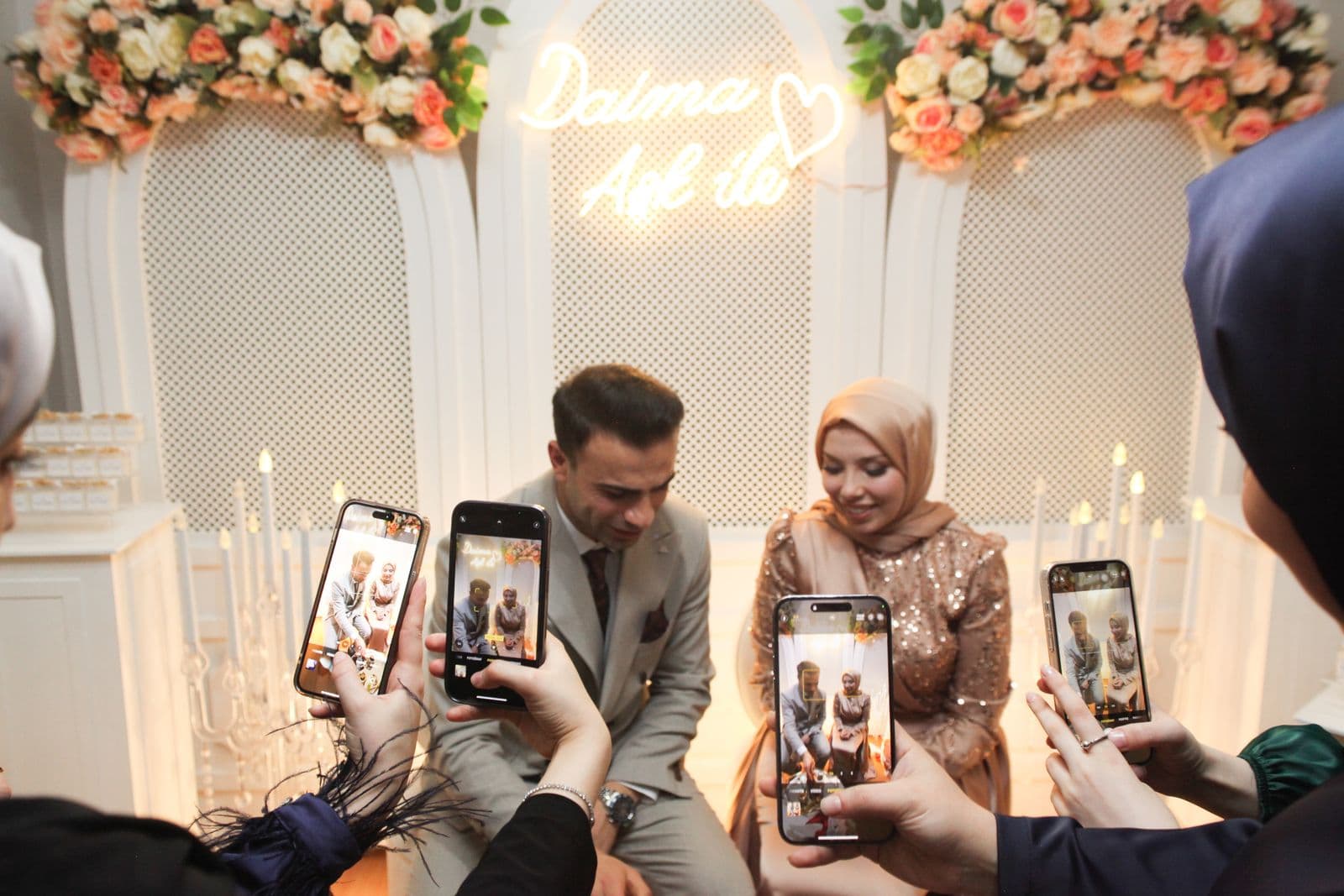
| Browser upload, no account | Only the photos they choose. No email, no phone number, no contacts, no app permissions. |
| App download with sign-up | An email address or social login, plus camera and photo library permissions, plus whatever the app collects in the background. |
| Group chat | Their phone number, visible to every other guest in the group, including strangers. |
| Shared cloud album | Often an account identity, and sometimes their name attached to every upload. |
The first row is the one you can defend to a cautious guest. No account means there is no account to leak, and an app you never installed cannot collect anything. It is also why participation is higher, which is the happy case where the private option is also the effective one.
7. Where Are the Files Stored, and Is It Encrypted?
Worth confirming, though this is usually the least interesting answer. Any credible tool serves everything over HTTPS and stores files with a mainstream cloud provider, encrypted at rest. If a service cannot tell you that much, walk away.
If you are in the UK or EU, or your guests are, you may also want to know where the data sits and whether the company will answer a deletion request. A real privacy policy with a real contact address is a good sign. A single paragraph of boilerplate is not.
The Checklist
- Is the gallery link unguessable, and kept out of search engines?
- Can I hide or delete any photo myself, instantly?
- Do the terms claim a marketing licence over my photos?
- Can I bulk download everything at full resolution, at no extra cost?
- Does the gallery or the upload window expire?
- What do my guests have to hand over to take part?
- Is it HTTPS, encrypted at rest, with a real privacy policy?
If a tool answers all seven well, it is safe enough for your wedding. If it dodges questions two, four or five, that is where the actual risk lives.
The Short Version
Wedding photo tools are broadly safe, but the real risks are mundane rather than dramatic. You are far more likely to lose photos because a service expired or shut down than because anyone attacked it, and far more likely to have an awkward moment because a guest uploaded something thoughtless than because your gallery was breached. So pick a tool that lets you moderate instantly, does not expire, and lets you download everything. Then download everything anyway, and keep your own copy.
Frequently asked questions
Are wedding photo apps safe to use?
Generally yes on the security basics, since any credible tool uses HTTPS and encrypted cloud storage. The practical risks are different: galleries that expire, companies that shut down, broad marketing licences in the terms, and guests uploading photos you would rather not display.
Can strangers see my wedding photos?
They should not be able to. Look for a gallery at an unguessable address that is not indexed by search engines. Bear in mind that anyone with the link can view it, so treat the link as the key and share it only with guests.
Who owns the photos guests upload?
Copyright stays with whoever took the photo, which means your guests. What matters is whether the service claims a licence to use those photos in its own marketing, so search the terms for words like perpetual, royalty-free and promotional.
What happens to my photos if the company shuts down?
You could lose access entirely, which is why you should download everything at full resolution soon after the wedding and keep a copy in two places you control. Avoid tools that make bulk download difficult or charge extra for it.
Can I delete a photo a guest uploaded?
With SeeEveryMoment, yes. As the host you can hide or remove any photo, and it disappears from the live slideshow immediately. Confirm any tool you consider offers the same, and check how quickly it takes effect.
Do guests have to give personal details to upload?
Not with browser-based upload. Guests scan a code and send photos with no account, no email and no app permissions, which is both the most private option for them and the one with the highest participation.
Ready to Collect Every Photo?
Set up your wedding photo collection in minutes. No app, no accounts, no hassle.