June 30, 20269 min read
How to Download All Your Wedding Guest Photos in One Place
Learn how to download all wedding guest photos into one place and back them up safely. Export from every source, keep full-resolution originals, lose nothing.
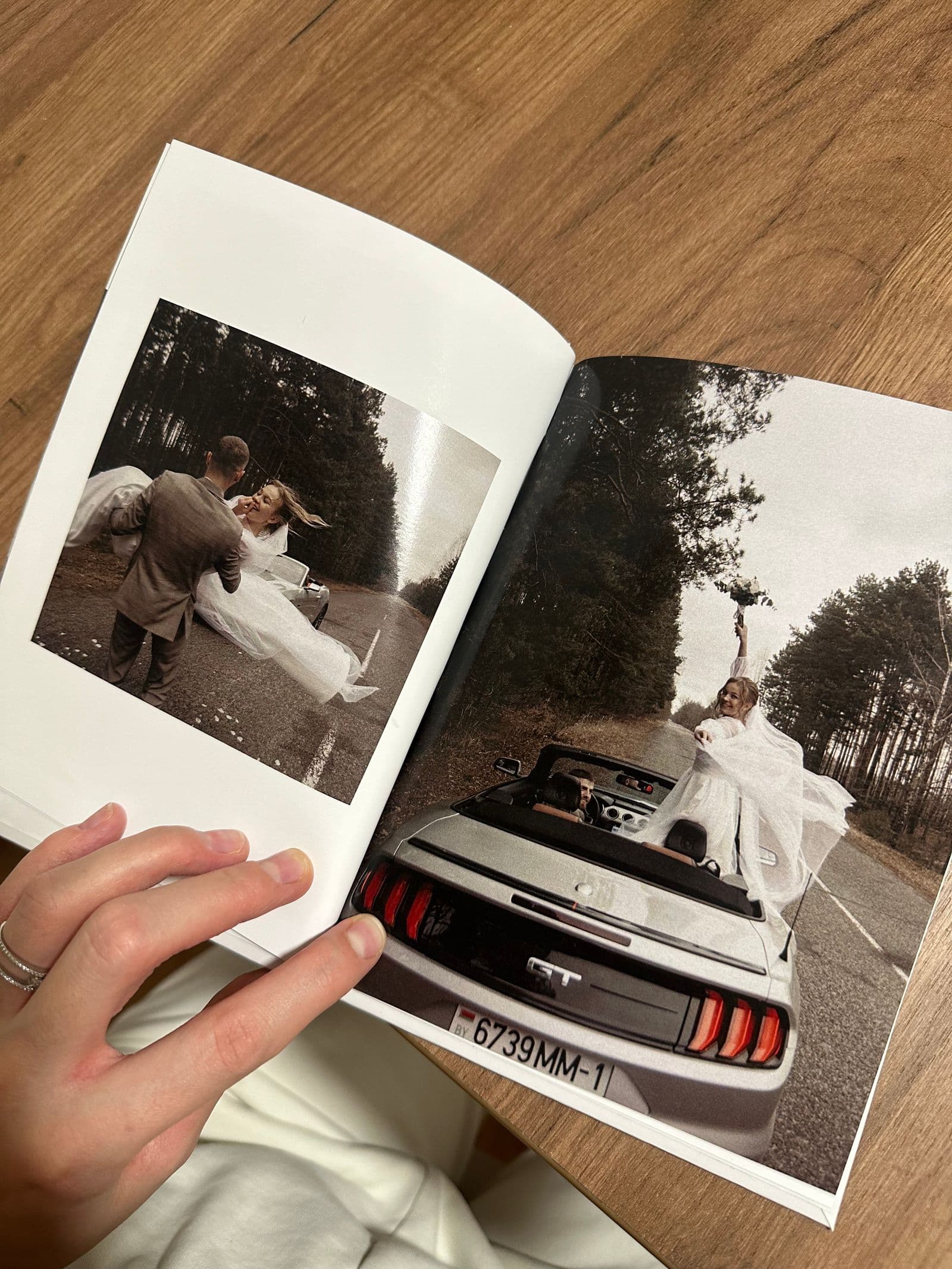
You did the hard part. You set up a way to collect photos, your guests pointed their phones at every dance, toast, and quiet moment, and now hundreds of pictures exist of your wedding day. The trouble is that they exist everywhere except in one safe place. Some are in a photo app, some are in a shared album, a few dozen are buried in a group chat, and the best candid of the night is sitting on your cousin's phone with no plan to ever leave it.
The real risk now is not collecting the photos. It is losing them in the weeks after the wedding, while you are away on honeymoon or simply too busy to deal with it. Links expire, phones get upgraded, free storage fills up, and chat threads scroll into oblivion. This guide is the practical, after-the-day plan for getting every guest photo downloaded into one place, in full resolution, and backed up so well that you could lose any single device tomorrow and not lose a single picture.
Why "In One Place" Matters
Scattered photos are lost photos waiting to happen. A picture that lives only in one place is one accident away from gone, and a wedding generates a lot of single-copy pictures across a lot of fragile places. When you upgrade your phone next year, the screenshots of the shared album do not always come with you. When a free link hits its expiry date, the originals behind it can vanish without warning. When a group chat fills up, older messages quietly drop off, and so do the photos attached to them.
Pulling everything into a single, named, deliberate location fixes this in one move. You stop depending on other people's phones, other companies' retention policies, and your own memory of where things were. It also makes everything afterward easier: printing a book, making a highlights reel, or sharing the full set back with guests all start from "open the one folder that has all of it." If you have not already centralised collection, the cleanest long-term home is a single gallery everyone uploads into, which is exactly what a shared wedding photo album gives you.
Where Your Guest Photos Actually End Up
Before you can download everything, you need an honest inventory of where it landed. Most weddings spread their photos across four or five places, and each one has its own way out and its own catch. Here is what you are dealing with and how to extract from each:
| Source | How to get the photos out | Catch |
|---|---|---|
| A dedicated photo app | Open the gallery and use the download-all button to save a single zip of every original | None worth mentioning if it keeps full-resolution files; this is the easy one |
| Google Photos shared album | Open the album, select photos, then use the menu to download a zip (or save to your own library first) | Selecting hundreds of photos by hand is slow, and some downloads come back resized rather than original |
| iCloud shared album | Open the album in Photos, select all, and save the images to your library, then export the originals | Shared albums often store compressed copies, not full-resolution files, so quality can drop |
| Texts and WhatsApp | Save each photo manually, or export the chat with media attached | Messaging apps heavily compress images, and you have to go message by message |
The pattern is hard to miss. The more an app was built for sharing photos rather than sending them through conversations, the cleaner and higher quality your download will be. Messaging apps are the worst offenders because they shrink images aggressively to send them fast. A purpose-built photo service is the best because keeping originals safe is the entire point of it.
How to Download Everything From a Dedicated Service
If your guests uploaded into one gallery, this is the fastest part of the whole process and the one worth steering everything toward. The steps below take a couple of minutes, not an afternoon:
- Open your gallery. Sign in to your event and go to the main view that shows every uploaded photo together, not a filtered or favourites view.
- Select all or use download-all. A good service gives you a single download-all button so you do not have to tick hundreds of boxes by hand. If it offers a select-all option instead, use that.
- Choose original quality. If you are ever asked about size or quality, pick the full-resolution or original option. This is the difference between a print-ready file and a thumbnail you will regret later.
- Save the zip. The service bundles everything into one zip file and downloads it to your computer. Save it somewhere obvious, like your desktop, so you can find it in the next step.
- Unzip to a clearly named folder. Extract the zip into a folder named with the date and the word wedding, for example "2026-06-20 Wedding Guest Photos." A clear name now saves you a search later.
This is exactly how SeeEveryMoment is built to work. Every guest uploads through the browser with no app to install, the gallery stores the full-resolution original of every photo, and a one-click download-all hands you the entire set in original quality whenever you want it. Because the gallery never expires, you are never racing a countdown to get your own photos out.
The Backup Rule That Saves Wedding Photos
Once your photos are downloaded into one folder, you have done step one. You have not yet made them safe. A single folder on a single laptop is one spilled coffee, one failed hard drive, or one lost bag away from being gone forever. Professional photographers protect irreplaceable work with a simple discipline called the 3-2-1 rule, and it is just as useful for a couple as it is for a studio.
The rule is three copies of your photos, on two different types of storage, with one copy kept off-site. In plain terms: keep the master folder on your laptop, copy it onto an external hard drive that lives in a drawer, and upload the same folder to a cloud service. That is three copies (laptop, drive, cloud) across two storage types (local disks and the cloud) with one copy off-site (the cloud lives somewhere your house does not). If any one of those three fails, you still have two intact copies, and you can rebuild the third from either of them in an afternoon. It sounds like overkill until the day a drive dies, and then it sounds like the smartest hour you ever spent.
How to Organise Them Without Losing a Weekend
Organising wedding photos can swallow an entire weekend if you let it, mostly because people try to sort and cull before they have even finished gathering. Keep it simple. The goal is a tidy, safe set you can find in seconds, not a perfectly curated archive on day one:
- Keep one master folder, named by date. Everything from every source goes into a single folder titled with the wedding date, like "2026-06-20 Wedding." This is your source of truth and the thing you back up.
- Leave the originals untouched. Never edit, crop, or rename files inside the master folder. Treat it like a negatives drawer that you copy from but never alter.
- Make a separate favourites copy. Copy your best shots into a second "Favourites" folder for editing, printing, and sharing, so your edits never put the originals at risk.
- Do not delete duplicates until everything is backed up. It is tempting to start tidying immediately, but deleting before your backups exist means a slip of the finger is permanent. Cull only once all three copies are safe.
What to Do With Them Next
With every photo downloaded, organised, and backed up, the fun part begins. You now have the complete record of your day, including the candid guest shots a single photographer could never have caught. A few worthwhile things to do with it:
- Share the full gallery back with guests. People love seeing the photos other people took. The simplest route is the same gallery you collected into; for the cleanest way to do it, see the best way to share wedding photos with guests.
- Print a photo book that mixes pro and guest shots. The professional photos give you the polish and the guest photos give you the laughter, the back-table moments, and the late-night dance floor. Together they tell the whole story.
- Make a highlight folder. Pull thirty or forty of the very best images into one folder you can show family quickly without scrolling through everything.
- Archive the rest. Keep every original in your backed-up master folder even if you never look at most of them. Storage is cheap and a forgotten photo is still a photo you get to rediscover years later.
If you are reading this before the wedding and still working out how to gather everything in the first place, our guide to how to collect every photo your wedding guests take covers the day-of side that this article deliberately skips.
Common Mistakes That Lose Photos
- Waiting months to download. Free share links and shared albums often expire, and once a link is dead the photos behind it can be gone for good. Download within the first week or two, while everything is still live.
- Keeping only one copy. A single copy is not a backup, it is a single point of failure. One dead drive or lost laptop and the whole wedding is gone. Always have at least three copies before you relax.
- Downloading compressed versions. Saving the small, shared-quality version instead of the original leaves you with photos that look fine on a phone but fall apart in a print. Always choose original or full resolution.
- Leaving photos in a chat thread. Group chats are not storage. Messages scroll off, attachments expire, and the app can compress them to nothing. Get them out and into your master folder.
- Never backing up off-site. Two copies in the same house both burn in the same fire. One copy must live somewhere else, which in practice means the cloud. Off-site is the part people skip and the part that matters most.
Getting every guest photo into one place is not a glamorous job, but it is the one that decides whether you still have these pictures in ten years. Spend an hour soon after the wedding to download everything in original quality, drop it into one clearly named folder, and make your three copies across two types of storage with one off-site. Do that once and you can forget about it forever, knowing the full, messy, joyful record of your day is safe no matter what happens to any single phone, drive, or app.
Frequently asked questions
How do I download all my wedding guest photos at once?
The fastest way is to have guests upload into one shared gallery, then use a download-all button to save every photo as a single zip in one click. If your photos are spread across Google Photos, iCloud, and chats, you download from each source separately and combine them into one master folder afterward.
Will downloaded photos be full resolution?
It depends on where they came from. A dedicated photo service like SeeEveryMoment stores and returns the full-resolution original of every upload. Messaging apps and some shared albums compress images, so always choose the original or full-quality option when you download, and avoid sending wedding photos through texts if you want print-quality files.
How do I get photos out of a Google Photos shared album?
Open the shared album, select the photos you want (or select all), then use the menu to download them as a zip, or save them to your own Google Photos library first and export from there. Be aware that some downloads come back resized rather than at the true original resolution, so check the file sizes if quality matters.
How long should I wait before downloading wedding photos?
Do not wait. Download everything within the first week or two after the wedding. Free share links and shared albums frequently expire after a set period, and once a link goes dead the originals behind it can be lost. A gallery that never expires, like SeeEveryMoment, removes the time pressure, but downloading early is still the safest habit.
How should I back up my wedding photos?
Follow the 3-2-1 rule: keep three copies of your photos, on two different types of storage, with one copy off-site. In practice that means your laptop, an external hard drive, and a cloud backup. If any one of those fails, you still have two intact copies to rebuild from.
Keep every guest photo in one place
Collect every original in one private gallery and download them all with one click, in full resolution, forever.