September 10, 20267 min read
Destination Wedding Photo Sharing: A Guide for Couples
Destination wedding photo sharing has problems a local wedding does not: roaming data, scattered guests, and people at home. Here is how to handle each.
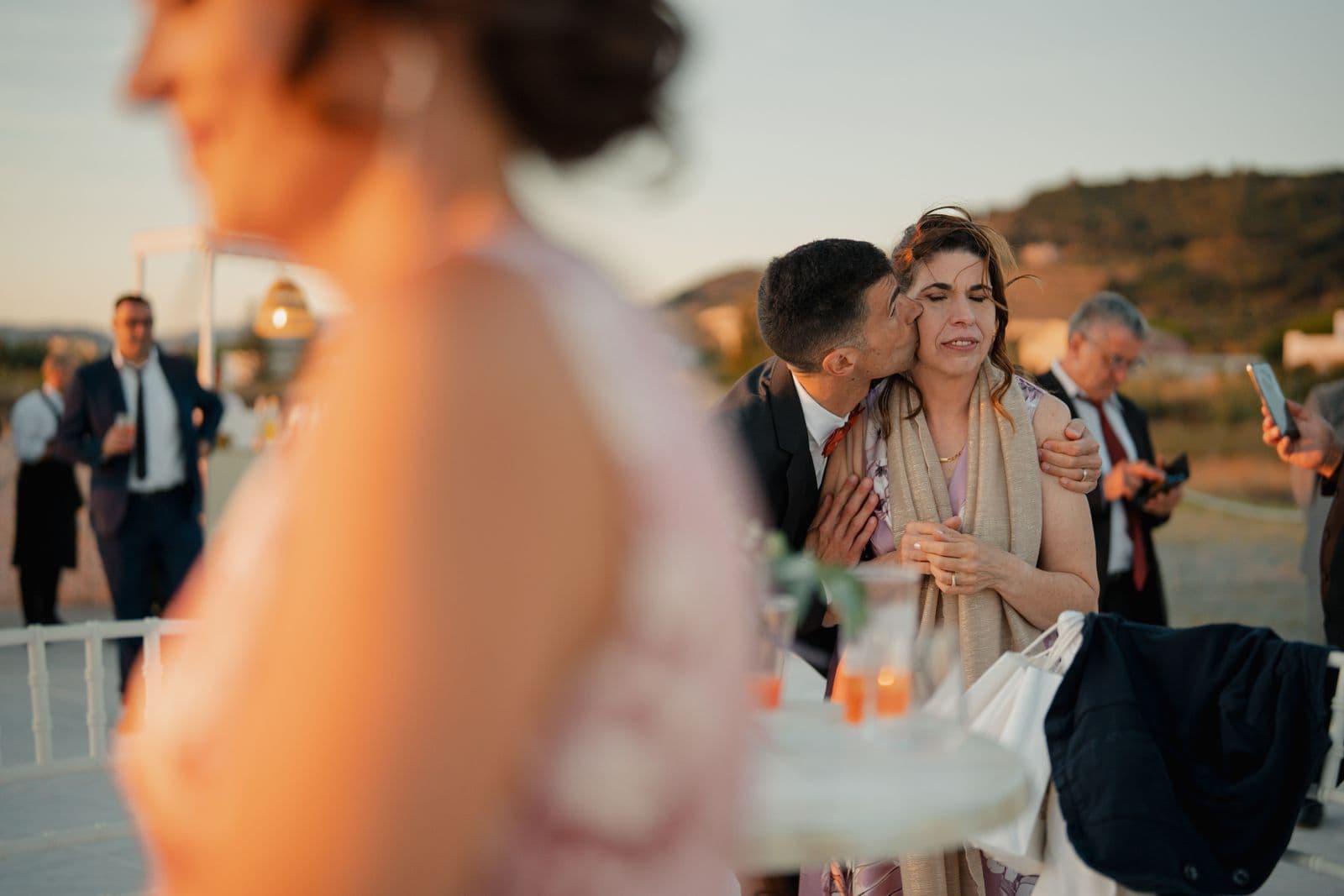
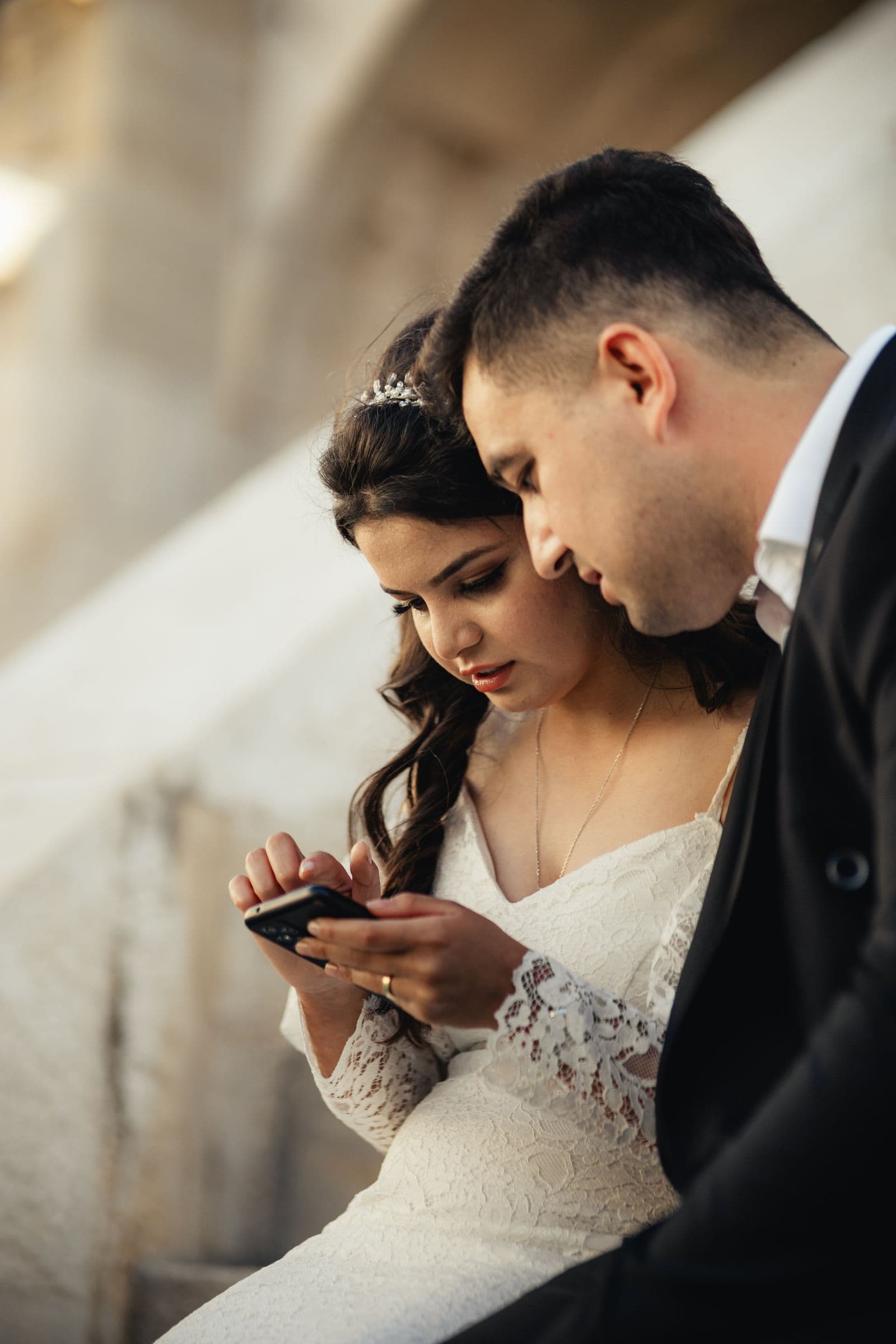
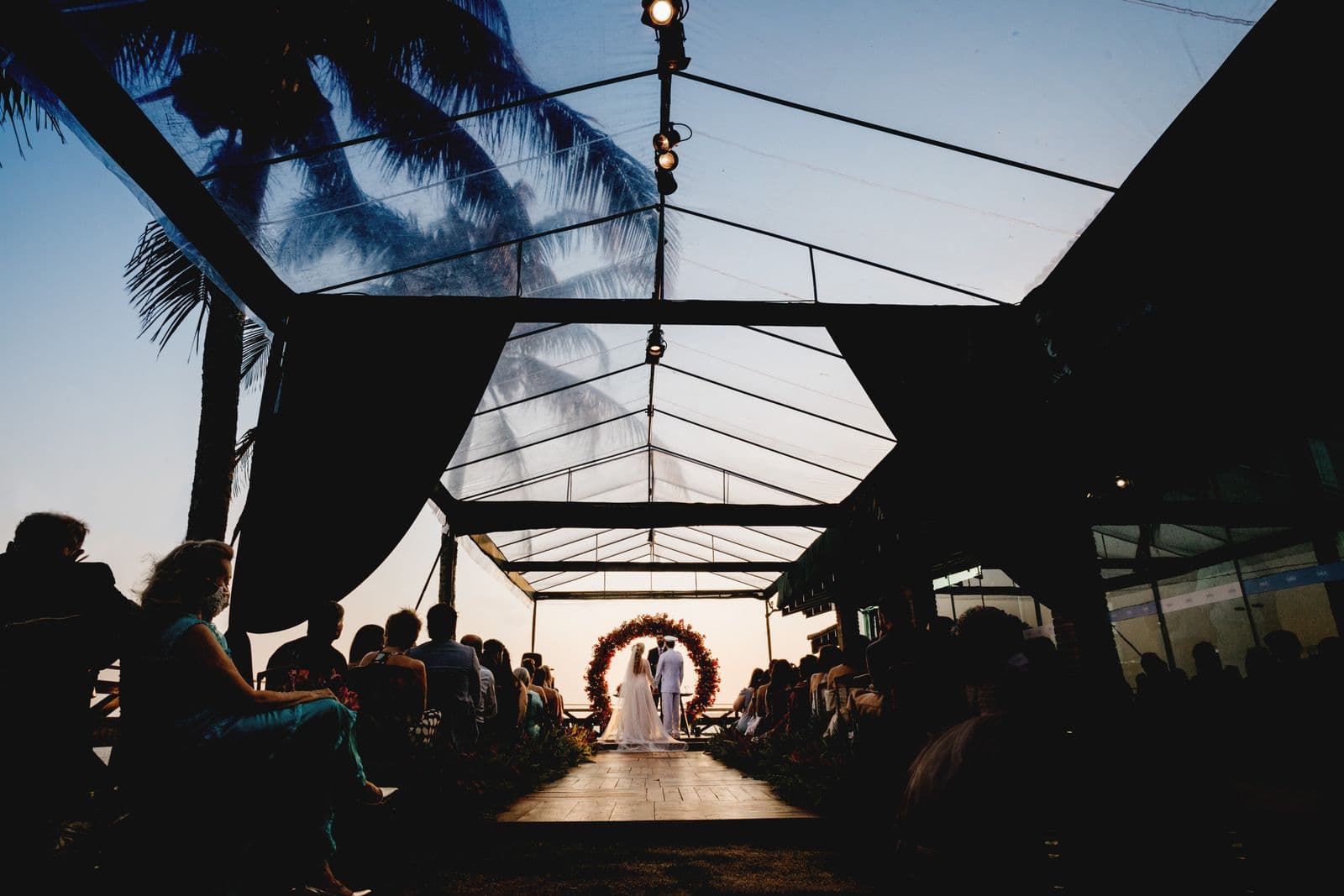
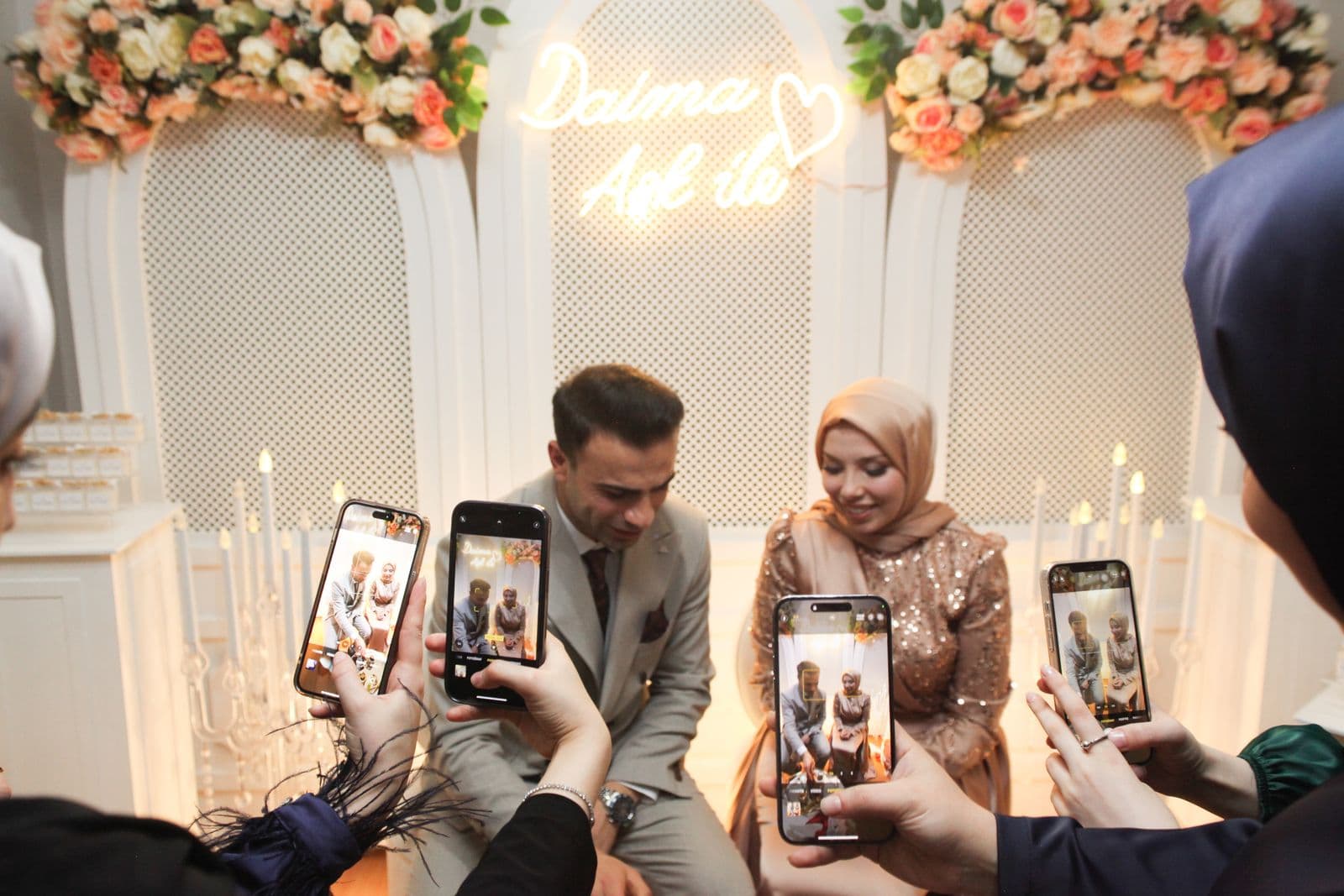
A destination wedding changes the photo problem in ways couples rarely think about until afterwards. At a wedding down the road, everyone gets home that night, connects to their own wifi, and sends you photos over the next few days. Abroad, almost none of that is true. Your guests are on foreign networks with data switched off, they are staying in five different hotels, and they fly home on four different days across a week.
The result is a familiar pattern. You get a handful of photos in the first day or two, then a long silence, and by the time your friends are unpacking at home the moment has passed and nobody sends anything. Meanwhile the fifty people who could not afford the flights see almost nothing. All of that is fixable, but only if you plan for it before you fly.
Problem One: Everyone Has Data Roaming Switched Off
This is the big one and it catches nearly everyone. Sensible travellers turn off mobile data the moment they land to avoid roaming charges. Your beautiful QR code sign at the welcome drinks is being scanned by phones that cannot load anything.
Guests are also, quite reasonably, cautious. Even those with a roaming allowance will not spend it uploading forty photos, because they do not know what it will cost. Nobody wants a surprise bill as a wedding favour.
What works:
- Put the venue and hotel wifi passwords on your photo signage. Not on a separate card, on the same sign as the QR code. This single change does more than anything else in this article.
- Say the word wifi out loud. "Hop on the hotel wifi and add your photos." Guests need permission to stop worrying about data.
- Expect uploads at the hotel, not at the party. People upload in the morning over breakfast, sitting by the pool, or in the airport lounge going home. Design for that, not for the dance floor.
- Do not rely on an app download. A 60 MB install over roaming data or patchy hotel wifi is a wall most guests will not climb. Browser upload avoids it entirely, which is the case we make in do guests need an app to share wedding photos.
Problem Two: The Wedding Lasts Days, Not Hours
Destination weddings are rarely one event. There is the welcome dinner, the day at the beach, the ceremony, the long lunch the day after, the group that stays on for a week. Guests take photos across all of it, and the best ones are often not from the wedding day at all.
So make sure your gallery covers the whole trip rather than just the ceremony. Practically that means putting the link everywhere the group gathers, not only at the reception:
| Moment | Where the link goes |
|---|---|
| Welcome dinner | A small card on each table, plus a mention in the toast |
| Beach or pool day | In the group chat that morning, since there is no signage on a beach |
| Ceremony and reception | The main sign, plus table cards |
| Day-after brunch | One reminder in the chat, when photos are freshest |
| After everyone flies home | A message with the link, two or three days later |
A gallery that closes on a timer is a particularly bad fit here, because your guests are spread across a week of travel and some will not upload until they are home and unpacked. SeeEveryMoment galleries have no upload deadline and do not expire, which matters more for a destination wedding than for any other kind. The reasoning is in how long guests have to upload wedding photos.
Problem Three: The People Who Could Not Come
This is the part couples feel most and plan for least. A destination wedding means a smaller guest list, and the people who stayed home are often the ones you most wish were there: grandparents who cannot fly, friends between jobs, family with small children or tight budgets.
A shared gallery is genuinely lovely here, because it lets them see the day through your guests' eyes rather than waiting six weeks for twenty polished photographs. Some things that work well:
- Send the gallery link to people who did not travel, not just to guests. Let them watch it fill up in near real time.
- Ask a bridesmaid or a cousin to be the deliberate documenter. Give one person the job of photographing the ordinary bits: the room, the food, the walk to the ceremony. Those are what absent family want to see most.
- Say it in the message. "We wished you were here, so we are sending you everything." It lands.
If you are also running a live slideshow at the reception, the same photos that entertain the room are the ones you can share home the same night. That overlap is covered in how to display guest photos at your wedding reception.

Problem Four: Your Photographer May Not Travel Home With You
Many couples hire locally at the destination, which is usually a good decision and often much cheaper. The trade-off can be a longer wait for the gallery, and communication across a language or a time zone if anything needs chasing.
Guest photos fill that gap. You have hundreds of images within days of getting home, which takes the pressure off the wait and means you have something to show people immediately. It does not replace the professional gallery, and it should not. It just means the six week wait is not six weeks of having nothing.
A Simple Plan You Can Copy
- Before you fly: set up the gallery, print signs that include the QR code, the typed link, and the wifi password. Put the link in your wedding website and the guest WhatsApp group.
- On arrival: post the link in the group chat with one line about wifi. Do it before the first event, not after.
- Welcome dinner: table cards with the link. One sentence in the toast.
- Wedding day: main sign where guests queue for drinks, cards on tables, one mention in the speeches.
- Day after: reminder in the chat while everyone is still together and on hotel wifi.
- Departure day: the airport message. This is the big one.
- Three days after everyone is home: final nudge, and share the gallery link with everyone who could not travel.
Seven small actions, none of which take more than a minute. Cost is one flat $35 for the event with no add-ons and no renewal, which you can see on pricing, and the mechanics are on how it works.
The Short Version
Destination weddings break the normal photo pattern in four specific ways: roaming data is off, the celebration spreads over days, some of the people you love most are not there, and your photographer may be a long way away. Plan for uploads to happen on hotel wifi and at the airport rather than at the party, put the wifi password on the sign, use a gallery with no deadline, and send the link to the people who stayed home. Do that and you come back with the whole trip, not just the ceremony.
Frequently asked questions
How do guests share photos at a destination wedding without roaming data?
Put the venue and hotel wifi passwords directly on your photo signage and tell guests to upload on wifi. Most destination wedding uploads happen at the hotel in the morning or at the airport on the way home, not during the reception itself.
Should I use an app for a destination wedding?
No. An app requires a large download over roaming data or patchy hotel wifi before a guest can do anything. Browser upload from a QR code or link avoids the install entirely, so participation is much higher.
How long should the gallery stay open for a destination wedding?
Indefinitely. Guests fly home on different days across a week, and many will not upload until they are unpacked. An upload window that closes after a few months is a poor fit, so check that before you book a tool.
Can people who did not travel see the photos?
Yes. Share the gallery link with anyone who could not make the trip, so they can follow the celebration as photos arrive rather than waiting weeks for the professional gallery.
When is the best time to remind guests to upload?
The morning people fly home. They have free airport wifi, time waiting at the gate, and the trip fresh in their minds, which makes it the single highest yield reminder you can send.
Ready to Collect Every Photo?
Set up your wedding photo collection in minutes. No app, no accounts, no hassle.