September 9, 20267 min read
How to Upload Wedding Photos Without Wifi
No wifi at your venue? Here is how guests still upload wedding photos without wifi, why signal drops at receptions, and the one setting that saves the day.
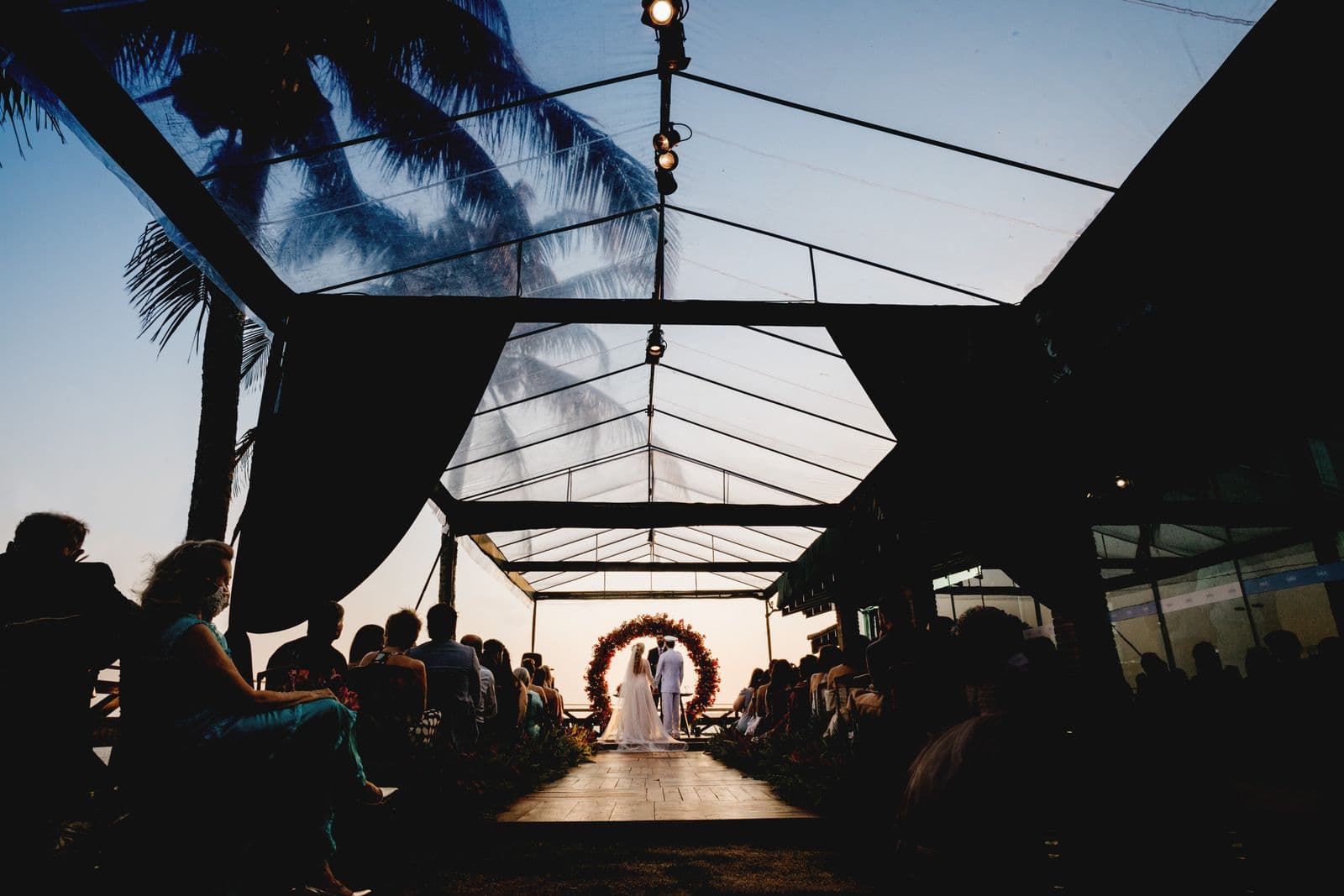
The venues couples fall in love with are very often the venues with no signal. Thick stone walls, a valley, a converted barn down a farm track, a marquee in a field. It is a genuine planning problem, and it deserves an honest answer rather than a sales pitch, so here is the honest answer first: uploading a photo requires an internet connection at the moment it uploads. No tool can send a file from a phone with no connection at all.
What changes everything is that the upload does not have to happen at the venue. Once you separate taking the photo from sending the photo, poor signal stops being a disaster and becomes a mild inconvenience. The rest of this guide is about making that separation work in practice.
Why Signal Gets Worse Exactly When You Need It
Plenty of couples visit a venue, see three bars on their phone, and assume it is fine. Then on the day nothing sends. Two things cause that.
The first is congestion. You have just brought 100 to 150 people into one field, and they are all on their phones at the same moments: after the ceremony, during the speeches, and when the first dance starts. A rural cell tower sized for a scattering of farms does not have the capacity for a sudden crowd. Your signal bars can look healthy while almost no data actually moves.
The second is the building. Barns, churches, castles and cellars are made of exactly the materials that block radio signals. Modern marquees with metal frames and coated fabric are not much better. Stepping outside often fixes it entirely, which is a useful thing to know and to tell people.
The Approach That Works: Capture Now, Upload Later
Guests take photos all day exactly as they normally would, straight into their camera roll. That never needs a connection. Then they upload whenever they next have one: in the taxi home, at the hotel on wifi, or over breakfast the next morning.
For this to work, two things have to be true of whatever tool you use.
- The gallery has to still be open. If your upload window closes at midnight, or after a set number of days, the late uploads that poor signal guarantees are exactly the ones you lose. This is the single most important detail, and it is worth checking before you pay for anything.
- Guests need the link, not just the QR code. A QR code is no use to someone at home the next day. Give them something they can find again.
This is why SeeEveryMoment galleries do not expire. It was not a feature decision so much as an acknowledgement that real weddings have bad signal, guests who forget, and cousins who go on honeymoon themselves the following week. Some tools time-limit uploads to a few months on entry tiers, so if your venue has poor signal, read that part of the pricing page carefully. Ours is one flat $35 with no upload deadline, which you can see on pricing.
Seven Practical Fixes for a Low Signal Venue
- Put the guest wifi password on the sign. If the venue has wifi at all, this one line does more than everything else combined. Ask for a guest network rather than the staff one.
- Print the short link under the QR code. Someone at home the next day can type a link. They cannot scan a code that is in a box in your car.
- Say it out loud during the speeches. "If it will not upload here, it will work when you get home, the gallery stays open." That single sentence prevents guests assuming it is broken and giving up.
- Put a card in the favour or on the table. Guests take it home, so the link goes home with them.
- Have a sign outside too. By the entrance or the smoking area, where signal is usually better and people are already standing around.
- Send one reminder a couple of days later. A message in the group chat with the link catches the long tail, and people are still looking at their photos then.
- Do not rely on airdrop or bluetooth transfers. They work between two people standing together, and become chaos across a whole guest list.
What About Apps That Claim to Work Offline?
Some app-based tools advertise offline capture, and it is worth understanding what that actually means, because the wording can imply more than it delivers.
What they usually do is queue the photo inside the app and send it later when a connection returns. That is a reasonable feature, but note two things. It still uploads later, exactly like the browser approach, so it does not beat the signal problem, it just hides it. And it only works if the guest installed the app in the first place, which at a venue with no signal means downloading 60 MB over a connection that cannot even send a photo. The offline feature depends on an online step you cannot complete.
There is also a quieter failure. A queued upload sits in an app the guest may delete, or may never open again, so it never actually sends. A photo left in the camera roll with a link to visit later is more likely to arrive than a photo trapped in a queue. If you are weighing up the download question generally, do guests need an app to share wedding photos covers it in full.
A Timeline That Assumes the Signal Is Bad
| When | What you do |
|---|---|
| Venue visit | Try a real upload from three spots. Ask about guest wifi and get the password. |
| Two weeks before | Print signs with the QR code and the typed link. Add table cards. |
| On the day | Signs at the entrance, on the tables, and outside. One mention in the speeches. |
| That night | Expect very little. This is normal and not a fault. |
| Next morning | Uploads start arriving as guests reach wifi. This is usually the biggest wave. |
| Two to three days later | One reminder message with the link. Catches most of the rest. |
| Whenever | Late uploads still land, because the gallery never closed. |
Couples are often surprised that the morning after beats the day itself. At a low signal venue that is exactly what you should expect, and it is fine. For more on that pattern, see how long guests have to upload wedding photos.
The Short Version
You cannot upload a photo with no connection, and anyone claiming otherwise is stretching the truth. What you can do is stop expecting the upload to happen at the venue. Let guests shoot freely all day, give them a link they can still use tomorrow, choose a gallery with no upload deadline, and tell them once that later is fine. Do that and a venue with no signal costs you almost nothing. Leave it to chance with a tool that closes after a month, and poor signal quietly deletes half your wedding.
Frequently asked questions
Can guests upload wedding photos without wifi?
They can take photos without any connection and upload them later over mobile data or wifi. The upload itself needs a connection, so the practical approach is to capture at the venue and send once they have signal, which usually means on the way home or the next morning.
Do photos still work if the venue has no signal at all?
Yes, provided your gallery does not expire. Guests shoot into their camera roll as normal and upload when they get home. The thing that breaks this is an upload window that closes, so check that before you book a tool.
How do I check whether my venue has good enough signal?
Upload a real photo during your venue visit, from the ceremony spot, the middle of the reception room, and just outside. Signal bars are misleading, and crowds on the day will reduce capacity further.
Should I ask the venue for the wifi password?
Always, and ask specifically for a guest network. Putting the password on your photo sign is the single most effective fix at a low signal venue.
Do app based tools handle no signal better?
Not really. They queue the upload and send it later, which is what browser upload does anyway, and they still require guests to download the app over the same weak connection first.
Ready to Collect Every Photo?
Set up your wedding photo collection in minutes. No app, no accounts, no hassle.