July 3, 20269 min read
Best Wedding Photo Sharing Apps in 2026 (Honest Comparison)
An honest comparison of the best wedding photo sharing apps in 2026. Real pros and cons for each option, so you pick the one your guests will actually use.

Search for the best wedding photo sharing apps and you will find a dozen glossy roundups that all conveniently crown whichever product paid for the placement. This is not that. The honest truth is that the best wedding photo app is not the one with the longest feature list or the shiniest marketing site. It is the one your guests will actually use, and in practice that almost always means one thing: no app to download.
So here is a fair look at the real options in 2026, what each one genuinely does well, and where each one falls short. We include the tool we make, SeeEveryMoment, but we also name the competitors we respect and tell you honestly when one of them might suit you better. The goal is not to sell you a single answer. It is to help you match a tool to your wedding, your guest list, and your budget.
What Actually Matters in a Wedding Photo App
Before comparing products, it helps to agree on what you are actually optimising for. Feature lists are easy to pad, but only a handful of things genuinely change how many photos you end up with. These are the ones worth weighing:
- No app for guests. This is the single biggest driver of participation. Guests drop off sharply the moment they are asked to visit an app store, download something, and sign up during a party. A tool that works in the phone browser removes that barrier entirely.
- Full-resolution originals. A candid shot from a guest is only as good as the file you keep. Services that quietly compress photos and videos to save space rob you of the quality you will want for prints later.
- Everything in one place. One shared gallery beats a scattering of folders, text threads, and camera rolls. You want every upload to land in the same album automatically.
- A live slideshow. Photos appearing on a screen at the reception is the feature that drives more uploads, because guests take more pictures once they see their own on the big screen.
- A gallery that does not expire. Many tools time out after a few months. You will want to revisit these photos years later, so permanence matters more than it seems on the day.
The Options, Compared
No single tool is perfect for every couple. Some are broad wedding suites, some are focused photo collectors, and some are free workarounds that trade convenience for cost. Here is an honest read on the main contenders, with real strengths and real trade-offs for each. Prices below were accurate at the time of writing, but always check current pricing, which can change.
SeeEveryMoment
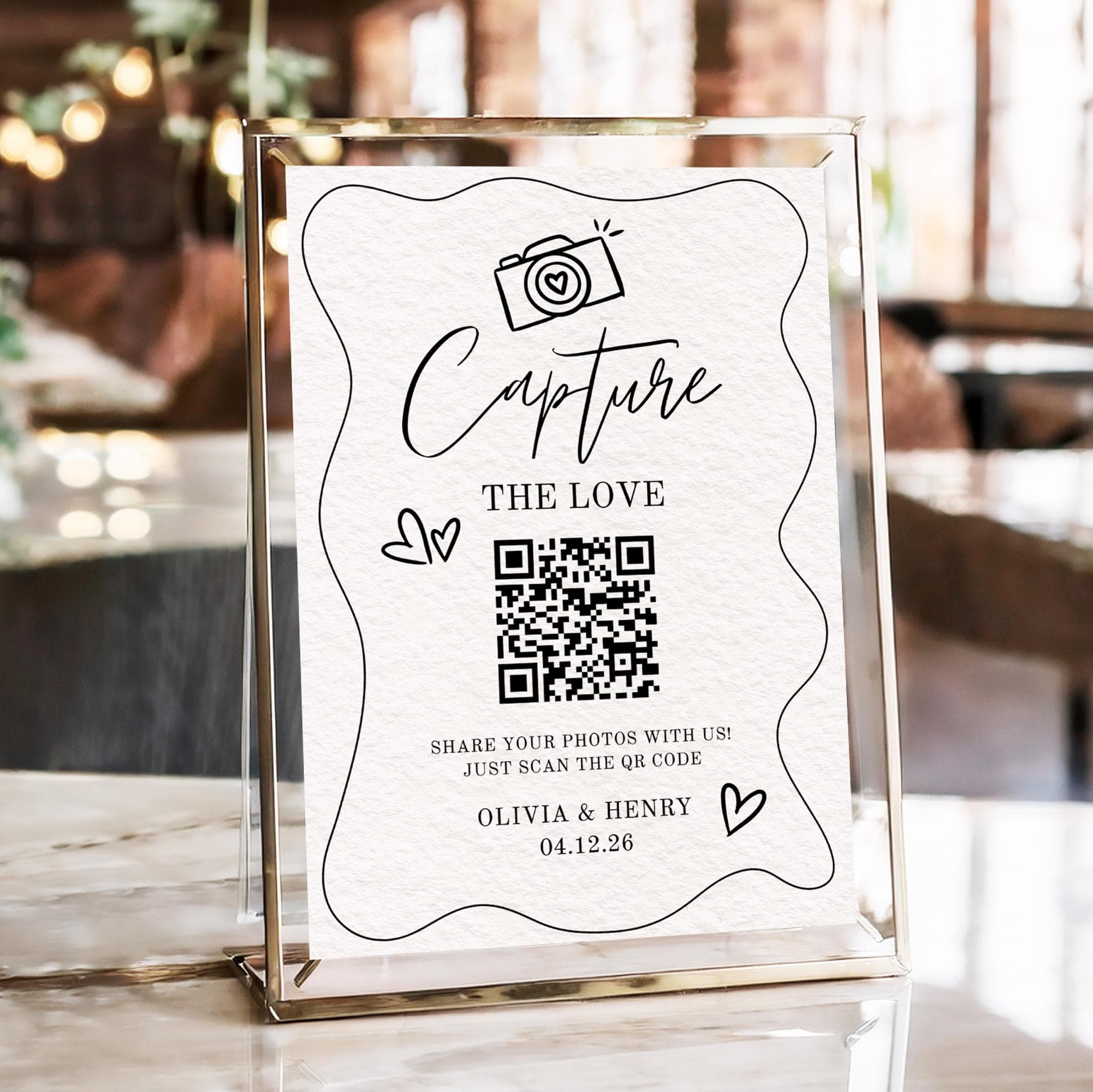
SeeEveryMoment is focused specifically on photo and video collection rather than trying to be an all-in-one wedding platform. Guests scan a QR code and upload straight from the browser, with no app to install. It keeps full-resolution originals, offers one-click download-all when you want everything at once, and includes a live slideshow so photos appear on screen at the reception. The gallery never expires, and it is free to start. The honest trade-off is scope: if you also want an RSVP system, a wedding website, or a seating chart, that is not what this tool sets out to do. It does photo collection well and deliberately leaves the rest to other tools. If you want the full picture of how the scan-and-upload flow works, see the complete QR code wedding photos guide.
Guestpix
Guestpix is a strong, well-established option and a genuine competitor. Like the browser-first approach, it needs no app for guests: they scan a QR code and upload in the browser. Pricing is one-time rather than a subscription, roughly $49 to $177 depending on the tier at the time of writing, so check current pricing, which can change. The upload window varies by tier, from about three months on the entry plan up to twelve months on higher tiers. Higher tiers also add nice extras like design themes, a digital guestbook, and Canva sign templates. The honest trade-offs are that the entry tier's upload window is fairly short, and the more complete experience sits behind the pricier tiers. If you like paying once and want built-in design polish, it is well worth a look.
Wedibox
Wedibox is the broad, all-in-one choice. It also needs no app for guests, and its one-time price is roughly $39 to $49 at the time of writing, so again, check current pricing, which can change. Where it stands out is breadth: alongside photo and video upload it bundles RSVP, a wedding website, an audio guestbook, a shared music playlist, a seating chart, and more than fifty QR sign designs. It has a live slideshow too, and it is well reviewed, sitting around 4.5 out of 5 on Trustpilot. The honest trade-offs are that moderation is manual, so you review uploads yourself, and an all-in-one suite can be more than you need if all you want is a clean photo gallery. If you want one tool to run much of the wedding, it is a compelling package.
Google Photos or iCloud shared album
The free workaround most couples already have. A Google Photos or iCloud shared album costs nothing and is familiar to millions of people. The honest catch is that guests generally need a Google or Apple account to join in, which quietly excludes anyone on the wrong ecosystem or unwilling to sign in. These services can also compress photos and videos, so you may not keep true originals. It is a perfectly reasonable choice for a small gathering, but for a big guest list across mixed phone brands it reintroduces friction.
A wedding hashtag on Instagram
A dedicated Instagram hashtag is free and genuinely fun. It creates public buzz, lets guests browse each other's posts, and needs no setup beyond picking a memorable tag. The honest limitations are real, though: it only reaches guests who post publicly, you get compressed social copies rather than full-quality files, and participation is usually low because most guests do not post their candids at all. Treat it as a fun add-on for public sharing, not as your primary way to collect photos.
Disposable cameras
The tactile classic. Scattering disposable cameras on tables is charming, analog, and produces the kind of grainy candids people love. The honest downsides are that image quality is low, there is a cost per camera plus developing, and in practice many cameras go unused or half-shot. They are a delightful supplement to a digital gallery, but a risky bet as your only plan.

At-a-Glance Comparison
| Option | No app for guests | Full-res originals | Live slideshow | Gallery expires? | Price model |
|---|---|---|---|---|---|
| SeeEveryMoment | Yes | Yes | Yes | No, never expires | Free to start |
| Guestpix | Yes | Yes | Varies by tier | Yes, 3 to 12 months by tier | One-time; check current pricing |
| Wedibox | Yes | Yes | Yes | Check current terms | One-time; check current pricing |
| Google / iCloud album | Yes | Often compressed | No | Can disappear if owner leaves | Free |
| Instagram hashtag | Yes | No, compressed | No | Public feed, low capture | Free |
| Disposable cameras | N/A | No, low quality | No | Prints only | Cost per camera plus developing |
How to Choose the Right One for You
The right tool comes down to what you actually value most, not which product has the most features on paper. Be honest with yourself about which of these describes you, and the choice tends to make itself:
- You want breadth. If you would rather run RSVP, a website, seating, and photos from one dashboard, an all-in-one suite like Wedibox earns its place.
- You want design polish and a one-time payment. If pretty themes, a digital guestbook, and Canva templates appeal and you like paying once, Guestpix is a strong fit.
- You want focused, permanent photo collection. If your priority is simply collecting every photo in full quality, with a live slideshow and a gallery that never expires, a dedicated collector like SeeEveryMoment is built for exactly that.
- You want free and simple. If your guest list is small and everyone shares an ecosystem, a Google or iCloud shared album may be all you need.
Whichever you lean toward, the underlying principle stays the same. For a fuller treatment of the strategy, read the best way to share wedding photos with guests, and if your worry is missing shots entirely, how to collect every photo your wedding guests take covers the on-the-day tactics that lift participation.
The Bottom Line
For most couples, the no-app QR approach wins on the one metric that matters: how many photos you actually end up with. Anything that asks guests to download and sign up during the reception will quietly cost you a large share of the candids you were hoping to keep. That much is not really up for debate.
Which specific tool you pick, though, genuinely depends on you. If you want an all-in-one wedding suite, Wedibox is a well-reviewed, capable choice. If you want design themes and a digital guestbook with a one-time payment, Guestpix is worth the money. And if you want a focused, never-expiring gallery with full-resolution originals and a live slideshow that is free to start, that is where SeeEveryMoment is built to shine. All three avoid the app-store trap, which is the most important box to tick.
Whatever you choose, decide early, put your QR code where guests naturally pause, and turn on the live slideshow if your tool has one. Get those basics right and you will look back on a gallery full of the moments you would otherwise never have seen, captured from every angle by the people who love you most.
Frequently asked questions
What is the best wedding photo sharing app in 2026?
The best app is the one your guests will actually use, which in practice means no app to download. Browser-first tools like SeeEveryMoment, Guestpix, and Wedibox all avoid the app-store barrier. Pick based on whether you want a focused photo collector, design themes, or a full wedding suite.
Do guests need to download an app?
With the best options, no. Guests scan a QR code and upload straight from their phone browser, with nothing to install. Requiring a download is the fastest way to lose photos, because many guests will not stop to install an app during a party.
Are wedding photo sharing apps free?
Some are and some are not. Google Photos and iCloud shared albums are free, and an Instagram hashtag is free. SeeEveryMoment is free to start. Guestpix and Wedibox use one-time pricing, roughly $49 to $177 and $39 to $49 respectively at the time of writing. Always check current pricing, which can change.
What is the best app-free option?
Several tools are app-free for guests, including SeeEveryMoment, Guestpix, and Wedibox, all of which use a scan-and-upload flow in the browser. A Google or iCloud shared album is also app-free, though guests generally need an account and the service may compress files. Choose based on quality, permanence, and the extra features you want.
Which app keeps photos the longest?
It varies. SeeEveryMoment's gallery never expires. Guestpix uses an upload window that ranges from about three months on the entry tier to twelve months on higher tiers at the time of writing, so check current pricing and terms, which can change. Shared albums can persist but may disappear if the owner leaves the ecosystem.
Try the no-app way to collect photos
Guests scan a QR code and upload in seconds, full resolution, straight to a gallery that never expires. Free to start.