June 30, 20269 min read
How to Collect Wedding Videos From Guests (Not Just Photos)
Learn how to collect wedding videos from guests at full resolution. Use one QR upload page, tell guests what to film, and build a crowd-sourced wedding film.
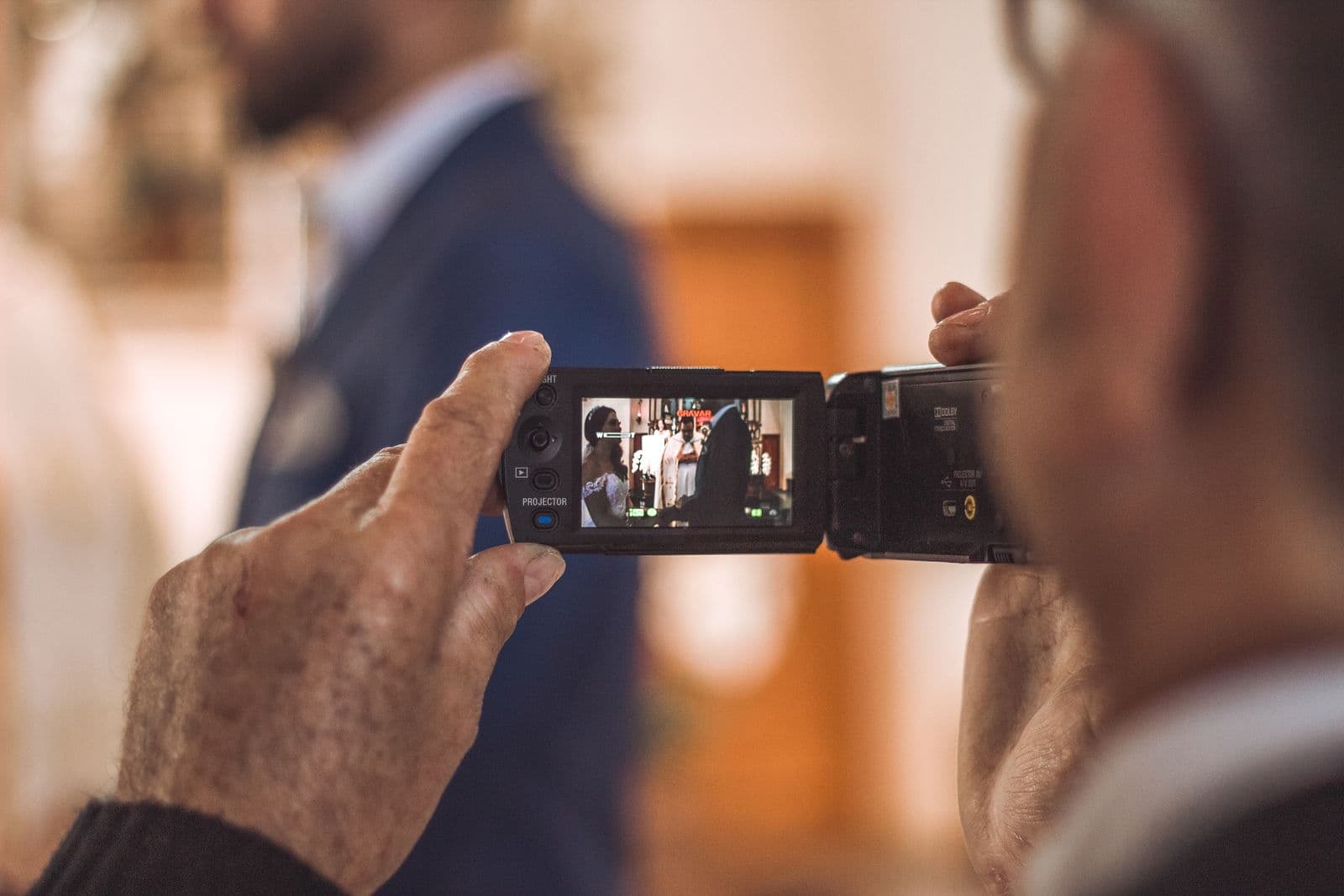
Couples plan their photography down to the shot list, then forget that half the room is filming too. Someone in the third row caught the whole exchange of vows on their phone. An uncle recorded the best man's speech from start to finish, including the part that made the whole table cry. A cousin got two minutes of the dance floor at its loudest. Those clips are some of the most alive footage of the entire day, and almost every couple loses them forever.
They get lost for a dull reason: nobody asked for them, and even when guests mean to send them, video is awkward to share. The clips sit on phones, get half-deleted to free up storage, and quietly disappear. This guide is about fixing that. Not photos this time, but video specifically, because video is harder to collect and far more valuable than most people realise until it is gone.
Why Guest Video Is Worth Collecting
Your videographer is excellent, but they are one person with one set of eyes. They cannot be at the back catching your grandmother wiping her eyes during the vows and at the front catching your face at the same moment. Guest video fills exactly those gaps. It captures reactions the official camera was pointed away from, angles no professional could be in two places to get, and moments that happen when the hired crew has packed up for the night.
Sound is the quiet reason guest video matters so much. A photo freezes a face, but it cannot hold a laugh, a vow spoken out loud, or the exact wording of a toast that landed perfectly. A phone held at a table records the whole speech, ums and pauses and punchline included, in a way a single official mic mix sometimes misses. Multiply that by thirty phones and you have coverage of your day that no budget could buy on its own. The same logic that makes guest photos so valuable applies double to video, and you can read more about that thinking in our guide to wedding guest photo sharing.
Why Collecting Video Is Harder Than Photos
If gathering guest video were as easy as gathering photos, everyone would already do it. It is not, and the reasons are technical and worth understanding before you choose how to collect it:
- The files are enormous. A single one-minute clip shot in 4K on a modern phone can run 300 to 400 MB. A few minutes of footage from one guest can be larger than every photo they took all day combined.
- Formats are a mess. iPhones record in HEVC and .mov, many Android phones in .mp4 with different codecs, and the two do not always play nicely on the other side. Collecting them in one place that just accepts all of them saves a real headache.
- Texting and social apps wreck the quality. When a guest texts you a video or sends it through a chat app, it gets aggressively compressed to fit. What started as crisp 4K arrives as a soft, blocky, low-bitrate copy that can never be restored.
- Email will not take it. Most email providers cap attachments around 25 MB, so a single real clip is far too big to send. Guests give up rather than figure out a workaround.
- Video gets buried fast. Even when a guest does send a clip, it lands in a thread alongside messages and photos and is scrolled past within a day. Without one dedicated place to gather it, footage is lost in the noise.
The Right Way to Collect Wedding Videos
The method that works gets every obstacle above out of the guest's way. Aim for all of the following:
- Use a QR upload page that accepts video at full resolution. Guests scan one code, the page opens in their browser, and they pick clips from their camera roll. The page must upload the original file, not a shrunken preview, so the footage arrives exactly as it was filmed.
- Require no app. The single biggest reason guests do not send video is friction. If they have to download and sign into an app, most quietly opt out. A page that opens straight in the browser is the difference between a handful of clips and dozens.
- Keep clips and photos in one shared place. Guests should not have to think about whether they are sending a photo or a video. One upload page, one gallery, both media types side by side. It is the same place you would gather stills, so nobody has to juggle two systems.
- Set a generous file-size limit, or none at all. Because video files are so large, any tight cap will silently reject the best clips. The collection method has to expect big files and handle them without complaint.
- Preserve the originals. The whole point is full quality. The upload should store the original file untouched, ready to download later at the resolution it was shot in, with nothing re-compressed along the way.
This is exactly the shape of a good photo-collection setup, extended to handle the weight and formats of video. If you want the broader picture of gathering and then handing media back to everyone, our guide to the best way to share wedding photos with guests covers the full flow, and the same one-page, one-gallery approach carries straight over to clips.
What to Ask Guests to Film
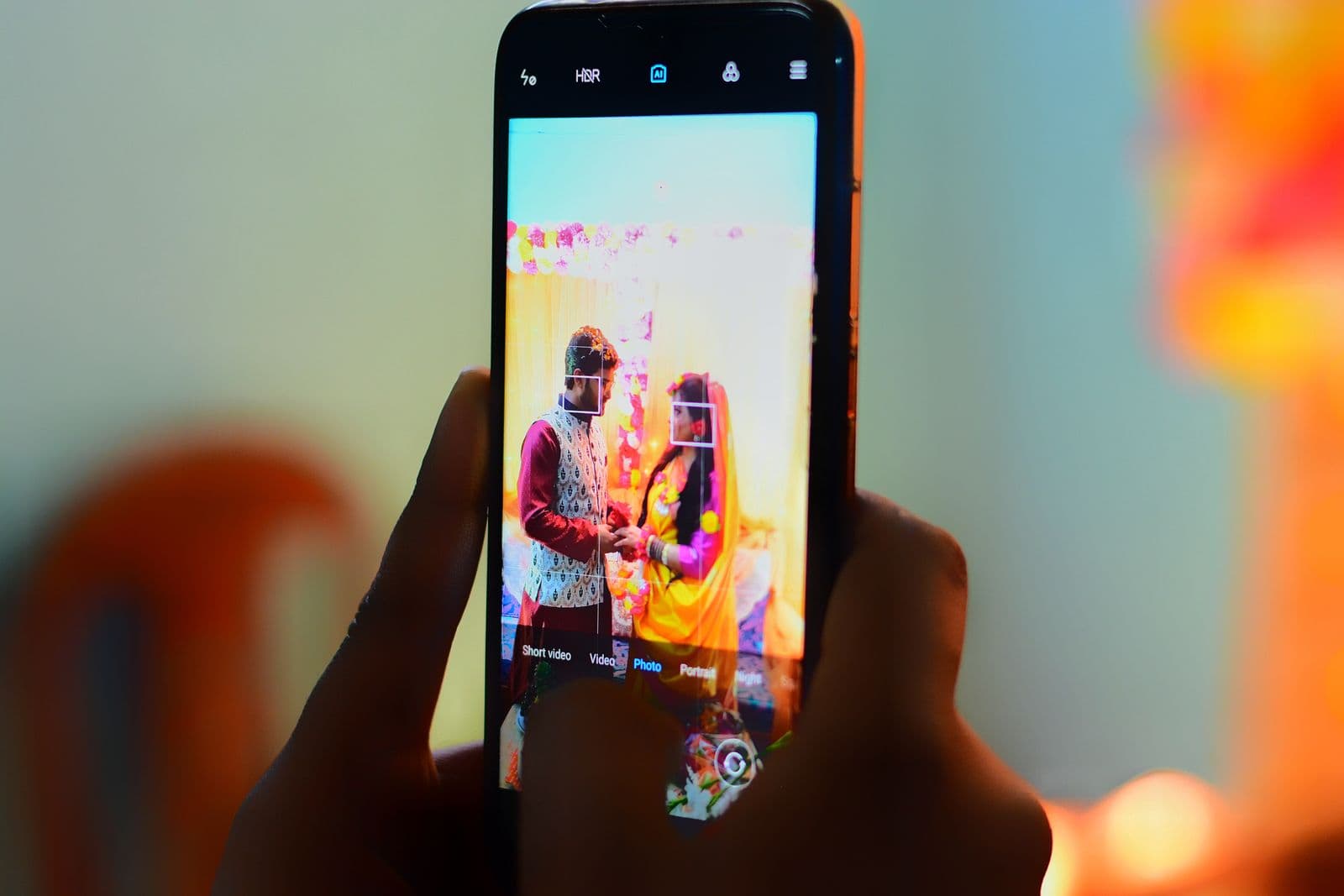
Guests film more when you tell them what would help. A small sign or a line in the order of service that suggests a few things to capture turns scattered habit into real coverage. Ask for these:
- The vows, from their seat. Each guest sees the ceremony from a different row, and their angle on your faces is one a single official camera can never occupy.
- The speeches, in full. Ask people at different tables to record each toast start to finish. A complete speech with the laughter around it is worth far more than a clean ten-second highlight.
- The first dance. Several phones around the floor give you the song, the crowd, and angles the videographer cannot all be standing in at once.
- The cake cutting and other set pieces. These happen quickly and from one direction; guest clips give you the reactions in the crowd, not just the couple.
- Short messages to the couple. Ask guests to film ten seconds of themselves wishing you well. Gathered together, these become one of the most rewatched things from the whole day.
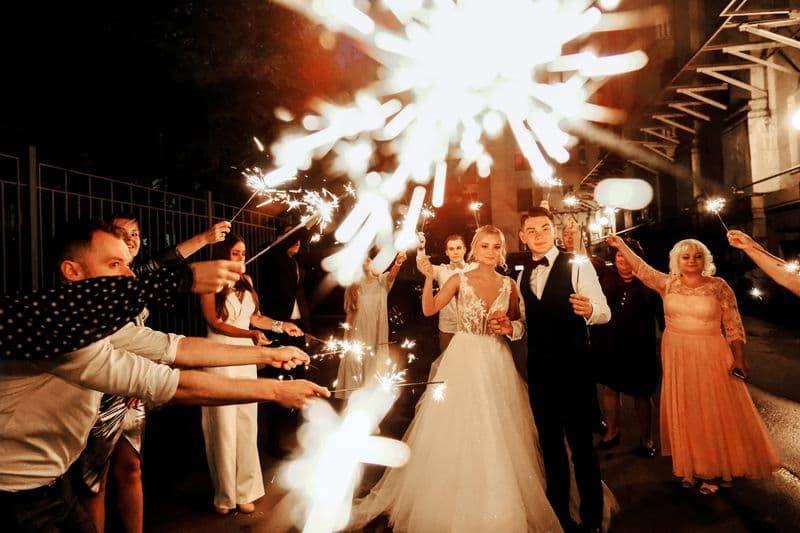
- The send-off. Sparklers, the car, the last wave. The official crew has often left by now, so guest footage is frequently the only record of how the night actually ended.
The reason guest angles beat a single camera is simple arithmetic. One videographer can hold one viewpoint at a time. Thirty guests hold thirty viewpoints at once, from inside the crowd rather than behind it, and the moment you can cut between them you have a film with depth no solo shooter could capture alone.
Turning Guest Clips Into a Wedding Film
Collecting the clips is most of the work. Turning them into something you will actually watch is easier than it sounds, and you do not need to be an editor:
- Gather every clip in one folder. Download all the guest video from your gallery into a single place so you are working from the originals, not compressed copies.
- Pick the best moments. Skim through and pull the strongest thirty seconds to two minutes from each event: the vows, the funniest line of a speech, the loudest stretch of the dance floor.
- Stitch them together, or hand them off. A simple editor on your phone or laptop is enough to lay clips end to end with the song underneath. If editing is not your thing, hand the folder to your videographer, who can weave guest footage into their own edit.
- Layer in the speech audio. Use the clearest recording of each toast as the soundtrack under the wider shots, so the words come through cleanly even when the picture cuts between angles.
Crowd-sourced footage does something a single videographer simply cannot: it fills the gaps. The reaction shot they missed, the moment after they left, the angle from inside the group rather than outside it. The same instinct behind gathering every still applies here too, and our guide to how to collect every photo your wedding guests take walks through that mindset in full. Treat video the same way and your final film carries the day from every seat in the room.
Storage and Download Tips for Video
Video is heavy, so handle it deliberately once it is collected:
- Download the originals promptly. Pull the full-resolution files down soon after the day while everything is fresh and you can match clips to moments easily.
- Back up to an external drive. A few minutes of 4K footage from many guests adds up to many gigabytes. An external drive gives you a physical copy that does not depend on any account staying open.
- Keep a cloud copy too. Storing a second copy in the cloud means a lost or failed drive never costs you the footage. Two copies in two places is the rule for anything irreplaceable.
- Do not rely on a chat thread. Clips left sitting in a messaging app are compressed, easy to delete by accident, and gone the moment the thread is cleared. Move them to real storage instead.
Guest video is the half of your wedding most couples never get back, and the only thing standing between you and keeping it is a way to collect the files without crushing them. Give guests one code, one page, and a short nudge about what to film, and the footage that would have vanished from thirty phones becomes a film you watch for years. Plan for the video the way you planned for the photos, and you will be glad on every anniversary that you did.
Frequently asked questions
How do guests share wedding videos with me?
The smoothest way is a QR code that opens an upload page in their browser. Guests scan it, choose their clips, and the video uploads straight to your shared gallery with no app to install. It works the same way you would collect photos, just built to handle the much larger files that video produces.
Will guest videos upload in full quality?
With the right upload page, yes. A page built for full-resolution media stores the original file exactly as it was filmed, so a 4K clip stays 4K. This is the key difference from texting, which compresses video heavily and permanently before it ever reaches you.
Why shouldn't guests just text me their videos?
Texting and chat apps compress video hard to make it send, so a crisp clip arrives soft and blocky, and that lost quality cannot be recovered. Email usually rejects the files for being too large, and either way the clips get buried in a thread within a day. A dedicated upload page keeps the original quality and puts every clip in one place.
What should I ask guests to film at my wedding?
The moments your single official camera cannot all cover at once: the vows from their seat, the speeches in full, the first dance, the cake cutting, short messages to the couple, and the send-off. Suggesting these on a small sign or in the order of service turns casual filming into real coverage from every angle in the room.
Can I collect photos and videos in the same place?
Yes. One QR upload page can take both photos and full-resolution video into a single shared gallery, so guests never have to think about which they are sending. You then get one place to browse everything and a one-click download of all of it, originals included.
Collect guest videos, not just photos
Guests scan one QR code and upload full-resolution video straight from their phone. No app, no compression, no chasing clips.