June 26, 20267 min read
Wedding Guest Photo Sharing: Everything You Need to Know
The complete guide to wedding guest photo sharing. Learn how QR codes, shared albums, and live slideshows work so every guest photo reaches your album automatically.
After the cake is cut, the speeches are said, and the last dance fades out, there is one thing every couple wants: every single photo their guests took.
Wedding guest photo sharing has changed dramatically. The days of disposable cameras and hoping guests email photos are over. In 2026, the best way to collect every photo is a QR code that guests scan with their phone camera, upload instantly, and see appear on a live slideshow.
This guide covers everything you need to know about wedding guest photo sharing: how it works, why QR codes win over every alternative, and exactly how to set it up for your wedding.
What Is Wedding Guest Photo Sharing?
Wedding guest photo sharing is the process of collecting photos that your guests take during your wedding and getting them all into one place.
Traditionally this meant:
- Handing out disposable cameras (half end up blurry, many never get developed)
- Hoping guests email photos later (most forget within a week)
- Using a wedding hashtag on Instagram (you miss the candid shots)
- Passing phones around to AirDrop (chaotic, misses half the guests)
Modern wedding guest photo sharing uses a QR code that guests scan to upload photos directly into a shared album. No app installation, no signup, no friction.
The shift matters because the best wedding photos are rarely the posed ones. They are the half-second reactions: a grandparent wiping away a tear, two cousins laughing on the dance floor, the flower girl asleep under a table by 9 PM. Those moments happen in dozens of places at once, and only your guests are standing in the right spot to catch them. Wedding guest photo sharing is simply the system that makes sure those photos do not stay trapped on a hundred different phones.
Why Guest Photos Matter
Your wedding photographer captures beautiful formal portraits, but they cannot be everywhere. Guest photos capture:
- Your cousin crying during the father-of-the-bride speech
- The chaotic dance floor at 11 PM
- Behind-the-scenes getting-ready moments
- Candid table conversations and genuine laughs
Guest photos capture the wedding from the inside. They are the photos your photographer cannot be everywhere to capture. For a deeper look at making sure none slip through, see our guide on how to collect every photo your wedding guests take.
QR Code Photo Sharing: The 2026 Standard
QR code photo sharing has become the standard for wedding guest photo sharing in 2026 because it solves the three biggest problems with traditional methods. If you want the full walkthrough, read our complete guide to QR code wedding photos.
Problem 1: Friction
Traditional methods require guests to download apps, create accounts, remember hashtags, or manually send photos later. QR code uploads require a single scan and two taps.
Problem 2: Participation
Only 10-20% of guests will post to a wedding hashtag. QR code uploads achieve 80-90% participation because the barrier to entry is essentially zero.
Problem 3: Photo Quality
Social media compresses photos. Emails limit file sizes. QR code uploads collect original full-resolution images.
How QR Code Guest Photo Sharing Works
- Set up your album on SeeEveryMoment before the wedding
- Print QR-code signs for each table at your reception
- Guests scan the QR code with their phone camera
- Guests pick photos from their gallery and tap upload
- Photos appear instantly in your album and on the live slideshow
- After the wedding, share the album link so everyone can download
Live Slideshow: The Feature That Doubles Your Photos
A live slideshow is the single most effective way to encourage guest photo sharing. When guests see their photo appear on a big screen at the reception within seconds of uploading, two things happen:
- They get excited and take more photos
- Other guests see how easy it is and start uploading too
SeeEveryMoment offers a built-in live slideshow mode. Connect a laptop or tablet to a projector or TV, open the gallery in full-screen mode, and photos appear as they are uploaded. It becomes an interactive experience rather than a passive collection.
How Many Photos Will Your Guests Actually Take?
Most couples underestimate this. A wedding of 100 guests typically generates between 1,000 and 3,000 guest photos across the day, far more than any single photographer produces. Here is roughly where they come from:
- Getting ready: 100-200 photos from the wedding party
- Ceremony: 200-400 photos, since guests love the aisle and first-kiss moments
- Cocktail hour: 300-500 candid photos as people relax
- Reception and dancing: 500-1,500 photos, the single biggest source
The catch is that almost all of these live on individual phones and never reach the couple. Fewer than one in five guests sends their photos to the couple unprompted, and the ones who mean to usually forget within a week. A QR code upload page flips that number, because guests act in the moment while the camera roll is still open, rather than weeks later when the memory has faded.
The lesson is simple: the volume of great photos already exists at your wedding. The only question is whether you give guests a frictionless way to hand them over before they get home. Get that one decision right and you walk away with hundreds of photos you would otherwise never have seen.
How to Set Up Wedding Guest Photo Sharing in 5 Steps
Step 1: Choose Your Platform
Pick SeeEveryMoment (or a similar QR-based service). Key features to look for: no app for guests, unlimited storage, live slideshow, no expiry on the album.
Step 2: Set Up Your Album
Create your wedding event. You will get a unique QR code that links to your guest upload page.
Step 3: Print QR Code Signs
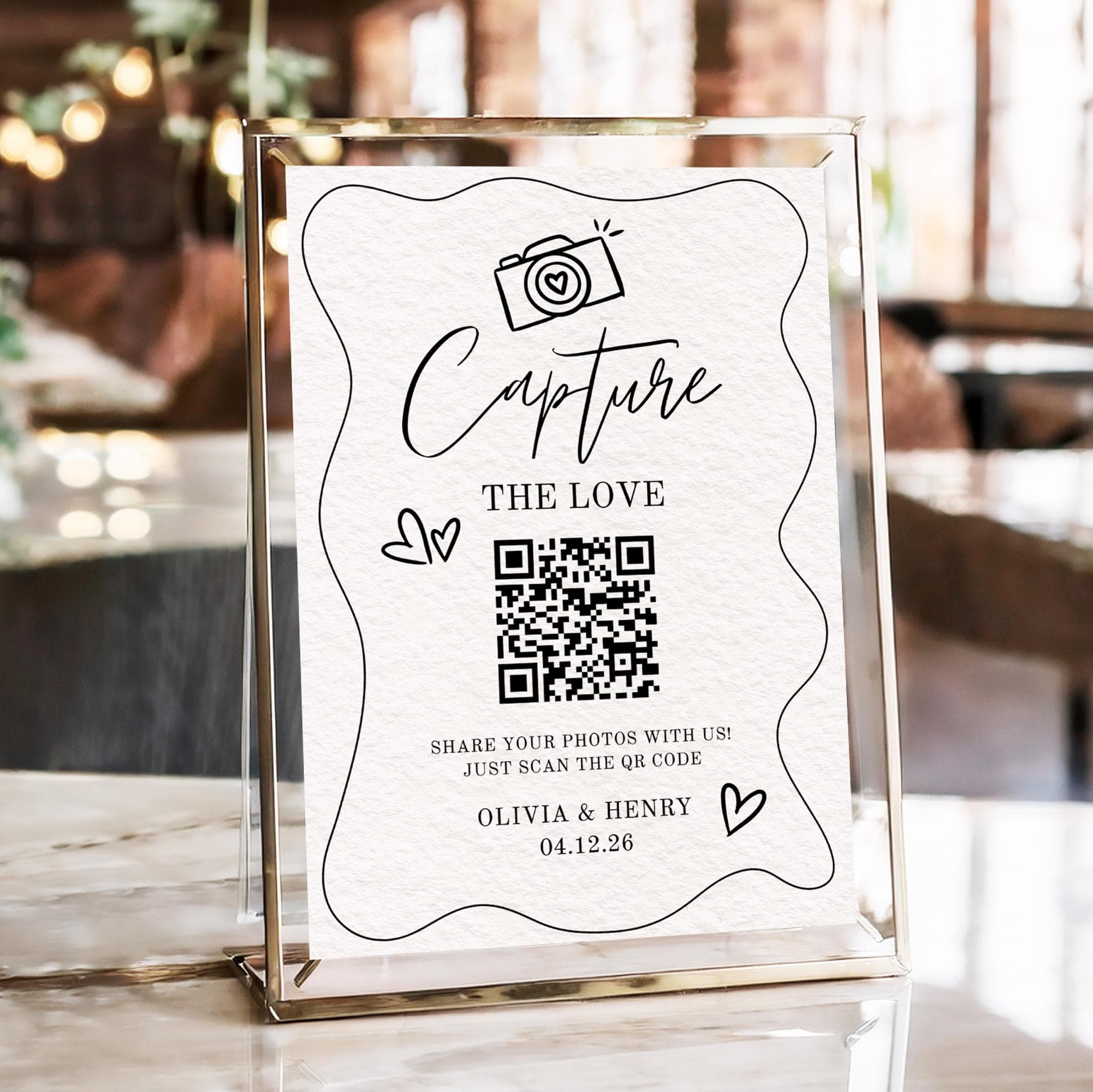
Print a small sign for each table. The sign should say "Scan to share your photos" with the QR code prominent. Place them in tent-card holders on every table.
Step 4: Set Up the Slideshow
Connect a laptop or tablet to the reception projector or TV. Open the live gallery in full-screen mode. Test the Wi-Fi beforehand.
Step 5: Tell Your Guests
Announce the QR code during dinner or between speeches. Ask your MC or best man to mention it. Point to the sign on each table.
Comparison: Wedding Guest Photo Sharing Methods
| Method | Participation | Photo Quality | Cost | App Required? |
|---|---|---|---|---|
| QR code upload | 80-90% | Full resolution | Free starter | No |
| Wedding hashtag | 10-20% | Compressed | Free | |
| Disposable cameras | Fun but limited | Low quality | $10-20 each | No |
| Email / text after | 30-50% | Mixed | Free | Varies |
| Shared album link | 40-60% | Depends | Free | Google/Apple |
| Dedicated app | 20-40% | Full | Varies | Yes |
Common Mistakes to Avoid
Mistake 1: Using a generic QR code that leads to an app store. If guests have to download an app, half will not bother.
Mistake 2: Only putting one sign at the entrance. Guests see it once and forget. Have a sign on every table.
Mistake 3: Relying on WiFi that does not work. Test your venue's WiFi before the wedding. A cellular backup ensures photos still come through.
Mistake 4: Not mentioning photo sharing during the reception. A brief announcement doubles uploads.
Mistake 5: Forgetting to set up the slideshow yourself. Delegate this to a tech-savvy bridesmaid or groomsman.
What Happens After the Wedding
After the wedding, your guest photo album lives on:
- Share the link so guests can download their photos
- Download every original high-resolution photo
- Keep the album as a living memory
- Photos never expire
The key advantage: the photos are still there a year later. No one forgot to send them. No hashtag was buried. No app expired.
Keeping Guest Photos Private and Moderated
A common worry is that opening uploads to every guest means losing control of who sees what. Good wedding photo sharing tools solve this in three ways:
- Private by default: your album is not public or searchable, so only people with the link or QR code can view and upload.
- Optional moderation: with SeeEveryMoment you can review the live slideshow feed and hide anything you would rather not show on the big screen, without deleting it from your album.
- One album, one couple: photos are collected for you, not scattered across strangers' social feeds where you have no claim to them.
This matters more than it first appears. When guests post to a public hashtag, those photos belong to the platform and the poster, mixed in with everyone else's content. When guests upload to your private album, every original file is yours to download, print, and keep. You decide what happens to them, both on the night and for years afterwards.
The Bottom Line
Wedding guest photo sharing in 2026 should be simple, app-free, and instant. QR code uploads with a live slideshow give you every candid moment your guests capture, without anyone having to chase photos afterward.
The best part: you set it up once, and it just works. Set up your SeeEveryMoment guest album before the wedding, print the QR-code signs, and focus on enjoying your day. The photos take care of themselves.
Frequently asked questions
How does wedding guest photo sharing work?
Guests scan a QR code at your wedding with their phone camera, which opens a simple upload page. They pick photos from their gallery and tap upload. No app download, no account creation.
What is the best way to share wedding photos with guests?
A QR code linked to a photo upload page, combined with a live slideshow, is the best way. Guests see their photos appear on the big screen instantly, encouraging more participation.
Do I need an app for wedding guest photo sharing?
No. The best modern solutions are app-free. Guests scan a QR code and upload through their phone browser.
How do I get guests to actually share their wedding photos?
Make it simple and visible. Place QR-code signs on every table. Show a live slideshow. Announce it during speeches. The easier the experience, the more photos you collect.
Can guests see each other's photos while uploading?
Yes, with SeeEveryMoment. Photos appear instantly in the gallery and on the live slideshow, creating a shared experience.
Start collecting every guest photo
Set up your wedding gallery in minutes. Guests scan a QR code and upload, no app needed.