July 5, 20268 min read
How a Wedding Photo QR Code Works (and Why You Need One)
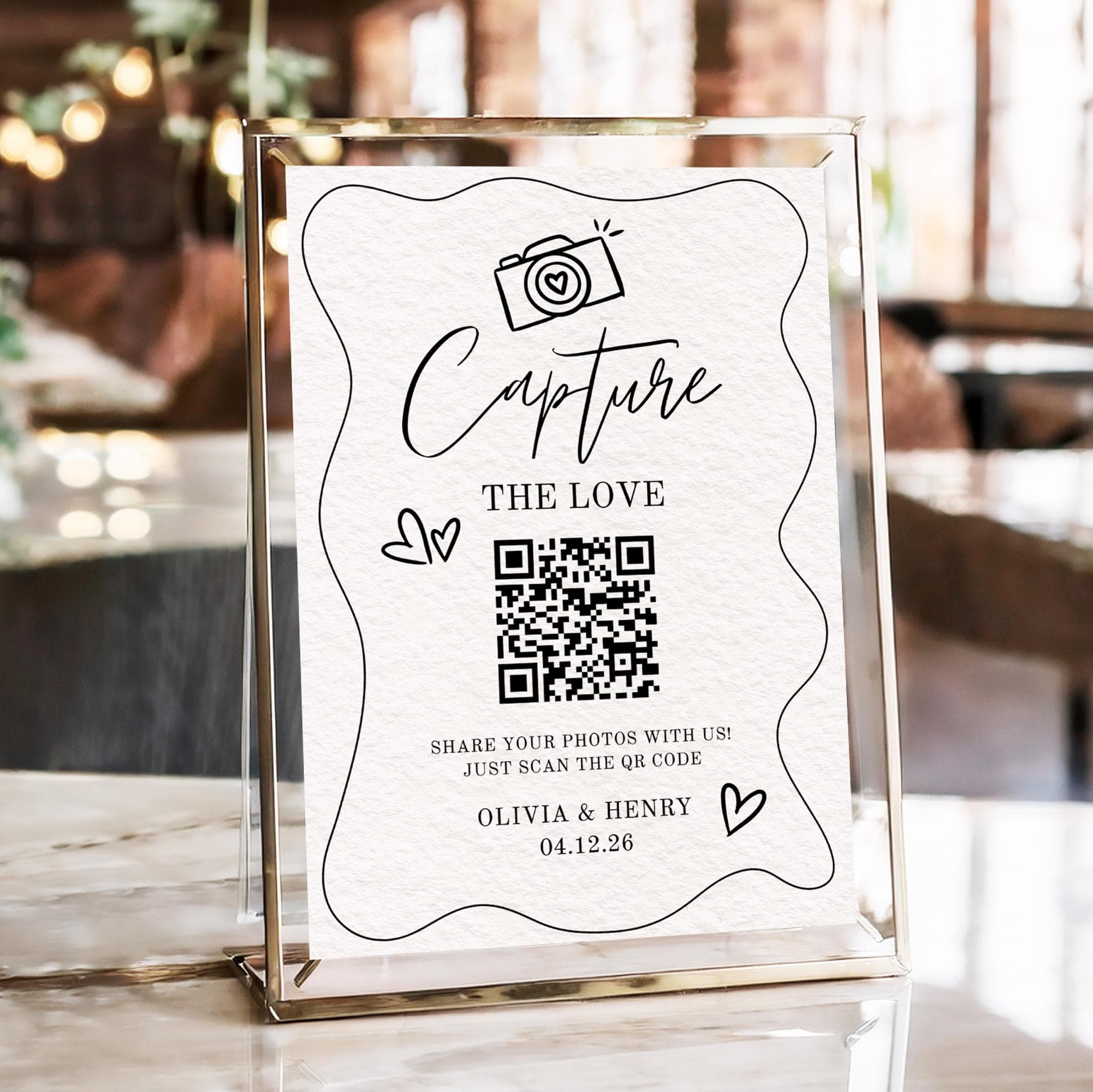
How a wedding photo QR code works in plain English: what a guest scans, why it collects photos with no app, and why every couple should use one.
You have almost certainly seen them by now. A small square code propped on a wedding table, on a welcome sign by the door, or tucked into the order of service, with a friendly line asking guests to scan and share their photos. It looks simple, and it is. But if you are planning your own day, the obvious question is a fair one: how does that little pattern of squares actually collect photos, and do you really need one at all?
This is the plain-English explainer. No jargon, no marketing fog, just a clear walk through what a QR code really is, what happens the moment a guest points a camera at it, why it works without anyone installing anything, and why so many couples now treat it as a small but genuinely worthwhile part of the day. By the end you will understand the whole thing well enough to decide with confidence.
What a QR Code Actually Is
Strip away the mystery and a QR code is just a link. That is the entire idea. The familiar web link you might type or tap, the kind that starts with a web address, has been turned into a pattern of black and white squares that a phone camera can read instantly. Where a barcode on a grocery item holds a short product number, a QR code holds far more, which is why it can carry a full web address inside those squares.
For a wedding, that hidden link points to one specific place: your private photo upload page. Nothing more complicated is going on. When someone scans the code, their phone reads the link and offers to open it, exactly as if you had texted them the address. The pattern is not doing anything clever or risky. It is simply a faster, tidier way of handing every guest the same link without printing a long, error-prone web address they would have to type by hand. If the word code makes it sound technical, let that go. It is a link in a costume a camera can see.
What Happens When a Guest Scans It
Here is the whole journey from the guest's side, start to finish. It takes seconds, and there is no app and no account anywhere in it:
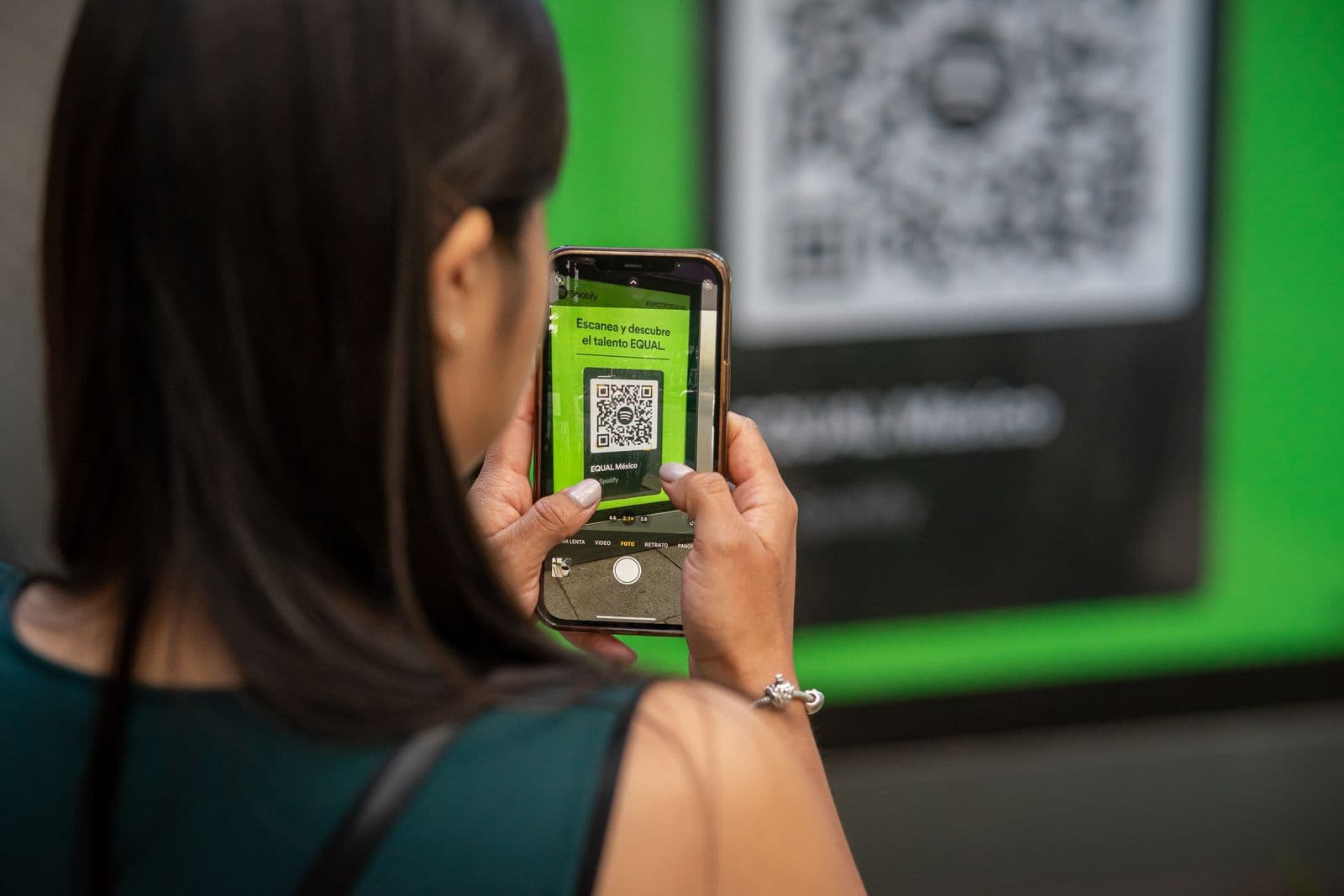
- They open the camera and point it at the code. The guest simply opens the normal camera app on their phone and holds it up to the printed code, the same way they would to take a photo of it. There is nothing to launch first and nothing to search for.
- A link appears on the screen. Within a second or two, a small banner or notification pops up over the camera view showing the link. The phone has read the code and recognised that it points to a web page.
- They tap it, and the upload page opens in the browser. One tap on that banner opens your photo upload page right inside the phone's normal web browser. No download, no sign-up form, no password to invent.
- They pick their photos and videos and tap upload. The page invites them to choose shots from their camera roll, select as many as they like, and send them. Videos work exactly the same way as photos.
- The shots land in your gallery. Everything they upload flows straight into your single shared gallery, and if you have the live slideshow switched on, their photos can appear on the screen at the reception moments later.
Why It Works With No App
The single most common worry couples have is that guests will be asked to download something, and that older or less tech-comfortable relatives will give up before they start. It is a reasonable fear, and the good news is that it simply does not apply here. Reading a QR code is now a built-in feature of the phones your guests already carry.
Modern iPhones and Android phones detect a QR code straight through the standard camera app. Point, wait a beat, tap the link that appears, and you are done. There is no separate scanner app to find in a store, because scanning is baked into the camera itself. That has been true for years now, which is exactly why QR codes quietly reappeared everywhere from restaurant menus to museum signs.
The second half of the answer is where the link goes. Your upload page opens in the web browser that every phone ships with, the same browser guests use to check the news or look up a recipe. Because it runs in the browser, there is nothing to install and nothing to keep. The page loads, does its job, and closes. That combination, a camera that already reads codes and a page that already runs in the browser, is the whole reason the experience feels effortless. If you want to see how the code that starts this chain gets created, how to make a QR code for wedding photos walks through it step by step.
Why You Need One at Your Wedding
Understanding the mechanics is one thing. The better question is what it actually gives you on the day, and the payoff is bigger than most couples expect:
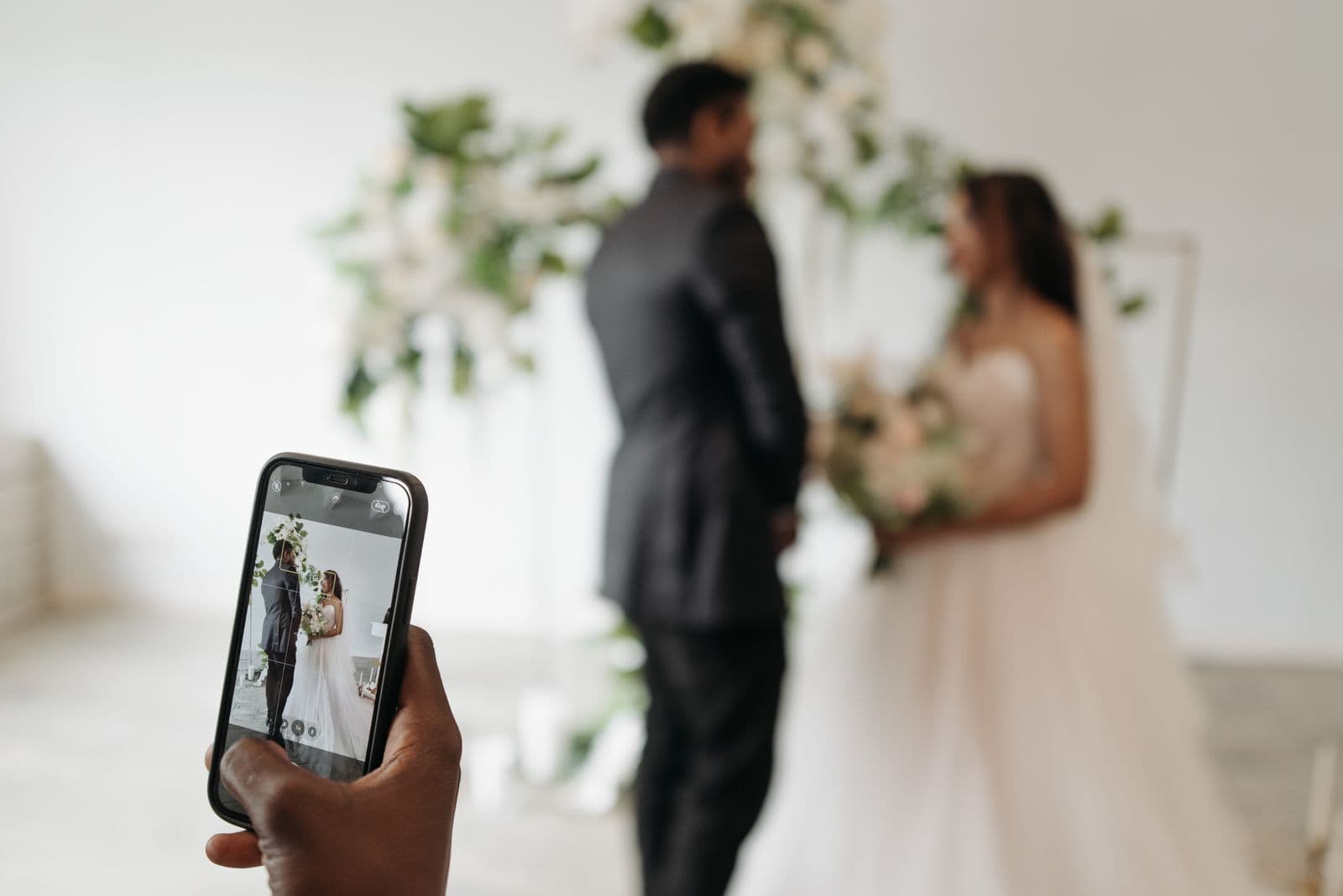
- It captures the moments your photographer misses. Your photographer is brilliant, but they cannot be at every table, in every hug, and behind every quiet laugh at once. Your guests are, and their phones catch the candid in-between moments that often become the ones you treasure most.
- It takes seconds, so guests actually do it. Anything that asks for an app, an account, or effort gets skipped by half the room. Scanning a code and tapping upload is quick and familiar enough that people genuinely follow through, which means you actually get the photos rather than just hoping for them.
- You get full-resolution originals in one place. Instead of low-quality copies squashed by group chats and social apps, uploads arrive as full-resolution originals, gathered into a single gallery you keep rather than scattered across dozens of phones you will never see.
- It works for every guest, whatever phone they have. Because it relies only on the camera and the browser that every modern phone already has, it works just as well for your tech-savvy cousin as for a grandparent who rarely leaves the home screen.
Static vs Dynamic Codes (the One Technical Note)
There is exactly one technical distinction worth knowing, and it is quick. A static code has the destination link baked permanently into the pattern, so the address can never change once it is printed. A dynamic code stores a short redirect instead, which means the link it ultimately sends people to can be updated later without reprinting anything.
For a wedding, a dynamic code is the safer choice, because if a link ever needs to change you fix it in a few clicks rather than reprinting every table sign. The reassuring part is that you do not have to manage any of this yourself. Good photo services use dynamic codes for you behind the scenes, so the right thing simply happens without you having to think about redirects at all.
How to Set One Up
If this explainer has convinced you, the setup is refreshingly short. You create your event, get your code, drop it onto a simple sign, and print it. That is genuinely all, and it takes minutes rather than an afternoon. For the full walkthrough, from generating the code to placing signs where guests will notice them, the complete QR code wedding photos guide covers every step in one place. And if your real aim is to make sure not a single shot slips away, how to collect every photo your wedding guests take is the piece to read next.
The magic of a wedding photo QR code is that there is no magic to it. It is a link your guests can reach with the camera already in their pocket, pointing at a page that gathers full-resolution memories into a gallery that never expires. It asks almost nothing of anyone, and in return it hands you the hundreds of candid moments that would otherwise have vanished into other people's phones. That is a small square doing a surprising amount of good, and it is why so many couples would not do their day without one.
Frequently asked questions
How does a wedding photo QR code work?
The code holds a link to your private photo upload page. When a guest points their phone camera at it, the phone reads the link and offers to open the page in the browser. The guest taps it, picks photos from their camera roll, and uploads them straight into your shared gallery.
Do guests need an app to scan a wedding QR code?
No. Modern iPhone and Android cameras read QR codes natively, with no scanner app to install. The upload page opens in the browser every phone already has, so guests can scan and share in seconds without downloading or signing up for anything.
Do I need a QR code for wedding photos?
You do not strictly need one, but it is the easiest way to gather the candid shots your photographer cannot be everywhere to catch. Because it takes guests only seconds and works on any phone, far more people actually share their photos, and you get full-resolution originals collected in one place instead of scattered across dozens of camera rolls.
How do guests upload photos with a QR code?
They open the phone camera, point it at the code, and tap the link that appears. That opens your upload page in the browser, where they select photos and videos from their camera roll and tap upload. The files land in your gallery, and on the live slideshow too if you have it switched on.
Will a QR code work on all phones?
Yes. QR scanning is built into the standard camera on modern iPhones and Android phones, and the upload page runs in the browser that ships with every device. That means it works just as well for a tech-savvy guest as for a grandparent, with nothing extra to install on any phone.
Get your wedding photo QR code
Create your event and get a QR code guests scan to upload photos in seconds, no app. Free to start.