July 5, 20268 min read
Wedding Photo Apps for Guests: Which One Actually Works?
Comparing wedding photo apps for guests? The one that works is the one guests actually open. Here is what makes an app get used, not just downloaded.
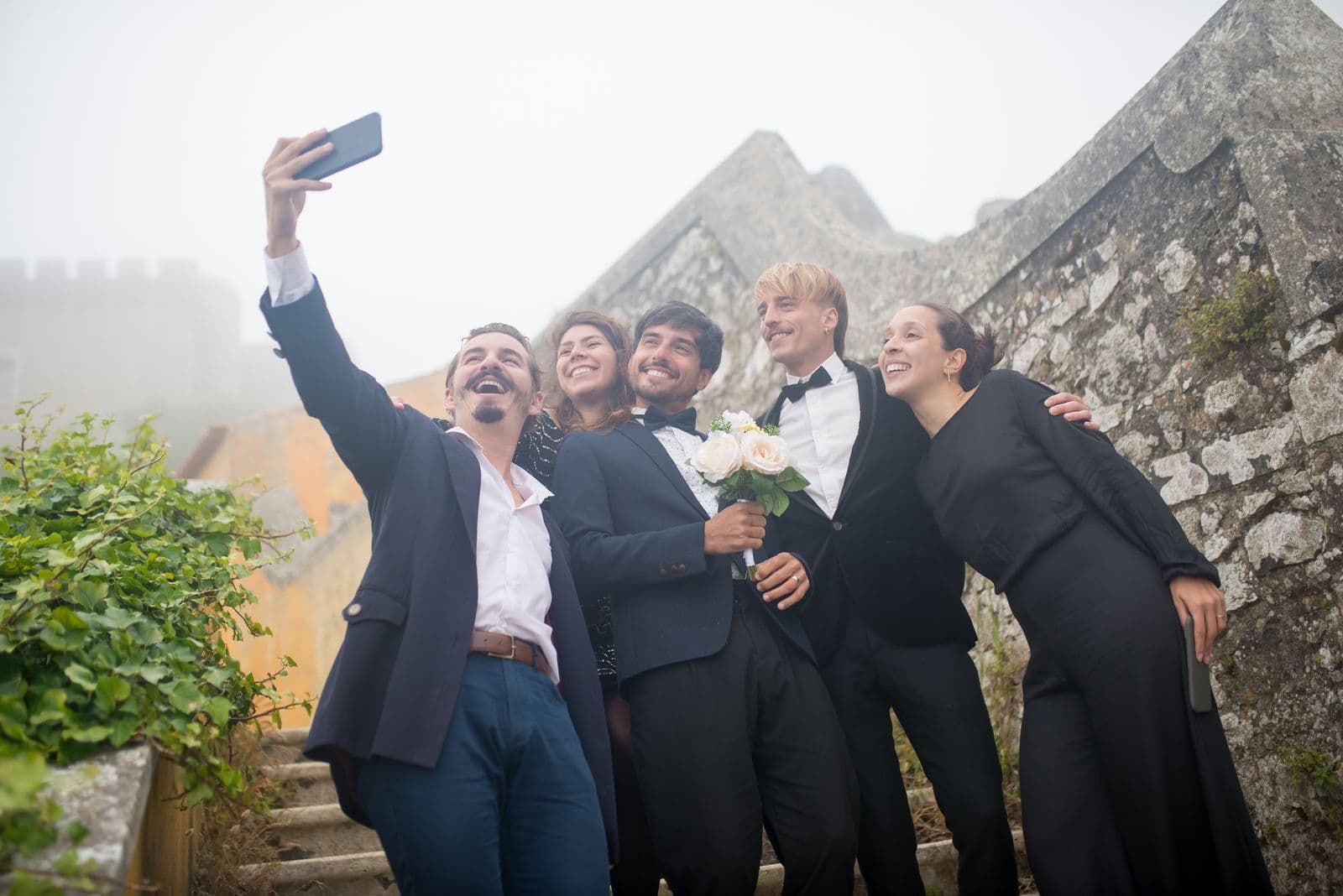
Search for wedding photo apps for guests and you will find dozens of them, each with a feature list, a pricing tier, and a five-star screenshot. It is tempting to line them all up and try to crown a winner. But after you have done that a few times, you notice something uncomfortable: the app with the most features is often the one that ends the night with the fewest photos. "Best" turns out to be the wrong question. The right one is quieter and more important. Which of these will your guests actually use?
That distinction decides everything. An app nobody opens collects nothing, no matter how good its editing tools or how slick its gallery looks in the marketing. So this article is not a ranking of products. It is about what makes an app work with real guests: the reasons most of them fail at a wedding, the handful of traits that predict whether people will use it, and an honest definition of what "works" even means. If you do want a head-to-head of specific tools, we point you to the comparison at the end. For now, let us talk about the thing the comparison charts leave out.
What "Works" Actually Means
Before you can pick an app, you have to agree on what success looks like, and most people never do. They assume "works" means the app functions: it launches, it has an upload button, the reviews are positive. But an app can work perfectly and still fail your wedding completely, because the thing that matters is not whether the software runs. It is whether your guests run it.
Here is an honest definition. A wedding photo app works if a high share of your guests use it and you end up with their full-quality photos gathered in one place afterwards. That is the whole test. Participation is the metric, not feature count. A stripped-back tool that eighty percent of your guests use beats a powerful one that twenty percent bother to open, every single time. The candid shot of your grandmother laughing during the speeches is worth more than any filter, and you only get it if the person holding the phone actually uploads it. Keep that measure in mind and most of the marketing noise falls away.
Why Most Wedding Photo Apps Fail With Guests
Once you judge apps by participation instead of features, the common failure points become obvious. Almost every app that disappoints couples fails for one of these reasons:
- It requires an app-store download. This is the biggest killer by a wide margin. The moment a guest has to open the App Store or Play Store, search for the right app, wait for it to install, and grant permissions, participation drops sharply. At a reception, with a drink in one hand and dessert on the way, most people simply will not do it. They mean to, they never get around to it, and their photos stay locked in their camera roll forever.
- It asks for an account or login. Creating a username, verifying an email, or setting a password reintroduces every bit of friction you were trying to remove. Guests are there to celebrate, not to onboard onto a new service. Each extra tap between them and the upload button costs you photos.
- It is confusing in the moment. An interface that makes sense to you after ten minutes of setup is a different thing to a guest seeing it for the first time, three cocktails in, in dim reception lighting. If a tool is not obvious within a couple of seconds, people give up and go back to their conversation.
- It only works on one phone brand. Some apps are built for iPhone first and treat Android as an afterthought, or the reverse. Your guest list is a mix of both, plus a few people on older handsets. Anything that fails on even one common phone type quietly writes off a chunk of your guests.
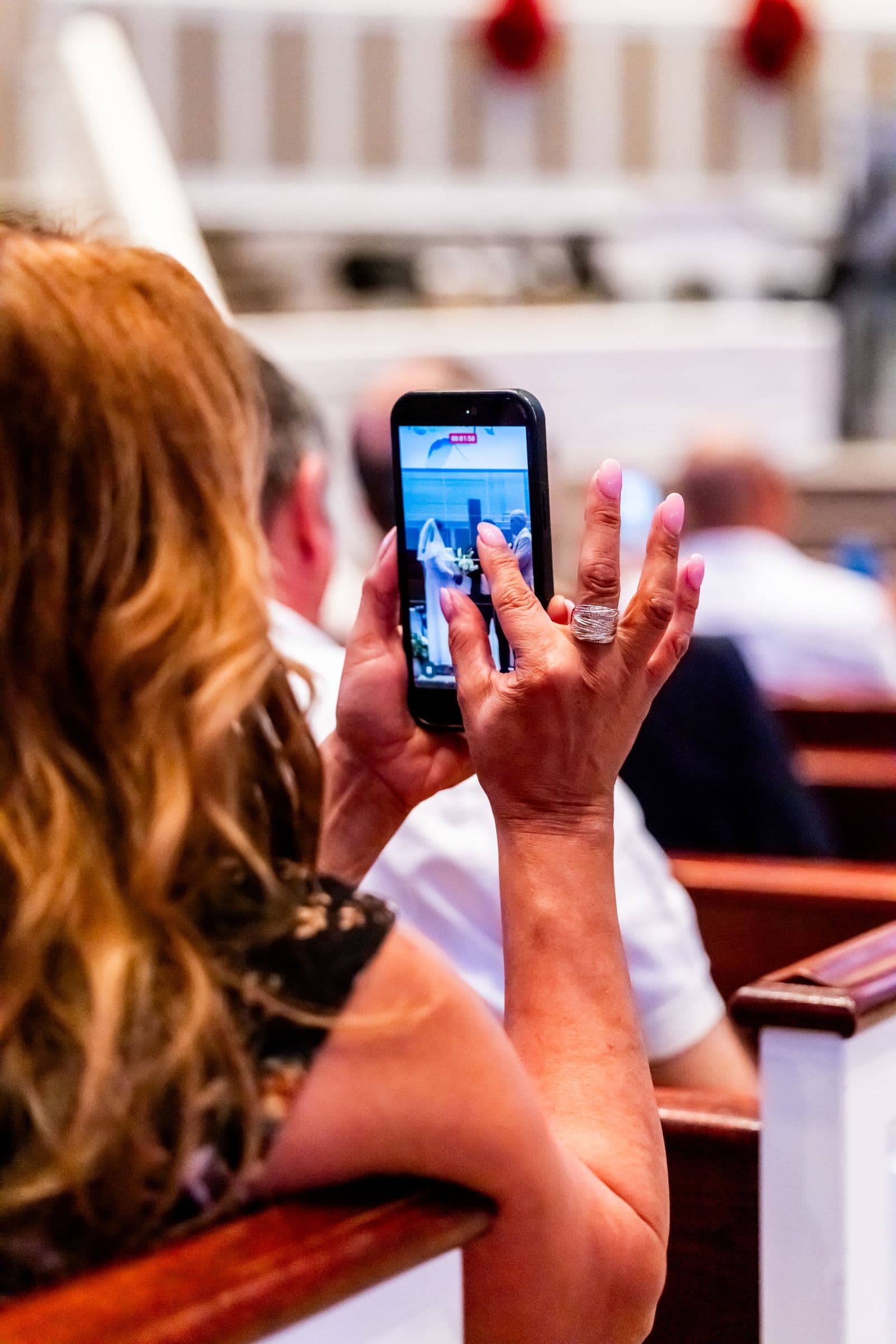
The Traits of an App That Actually Works
Flip those failure points around and you get a short, specific list of what to look for. These are the traits that reliably separate an app guests use from one they abandon:
- No app for guests at all. The tool should run entirely in the phone's browser. Guests scan a QR code with their native camera, a web page opens, and they upload. There is nothing to install, which removes the single biggest barrier to participation before it can do any damage.
- No account or login. Guests should never have to sign up, verify an email, or remember a password. They arrive at the upload page and start adding photos immediately. If a tool makes them create an account first, cross it off.
- Works on any phone. iPhone, Android, new, old, it should not matter. A browser-based flow works everywhere because every modern phone can scan a code and open a web page. That universality is what lets you reach the whole guest list instead of half of it.
- Keeps full-resolution originals. Many casual sharing methods compress photos and videos to save space, and you do not notice until you try to print. A tool that works preserves the original quality so those candid shots hold up in an album or on a wall.
- Gathers everything in one gallery. Every guest upload should land in the same shared album automatically, not in scattered folders you have to stitch together later. One gallery is the difference between a treasure and a chore.
- Ideally shows a live slideshow. The best tools can display uploads on a screen at the reception in real time. This is not a gimmick. When guests see their photo appear on the big screen, they take more pictures and tell others to join in, so participation feeds on itself.
If you want the fuller reasoning behind why these traits matter and how they play out on the day, we walk through it in detail in the best way to share wedding photos with guests. The short version is that every one of these traits exists to protect the same thing: the number of guests who actually take part.
How to Compare Your Options
Once you know what "works" means and which traits to demand, comparing specific products becomes much simpler, because you are no longer dazzled by feature lists. You are just checking each option against the participation test. For a proper head-to-head of named tools, with their pricing and quirks laid out side by side, read the best wedding photo sharing apps. That article does the ranking so this one does not have to. Bring the criteria above with you and the comparison will make a lot more sense.
A Simple Test Before You Commit
You do not have to trust reviews or take our word for any of this. There is a five-minute test that tells you exactly how a tool will perform at your wedding, and it beats any spec sheet:
- Set the tool up the way you plan to use it on the day, including the QR code or link a guest would actually see.
- Hand your phone, or better still their own phone, to the least tech-savvy relative you can find. An aunt, an uncle, a grandparent, anyone who does not live on their phone.
- Ask them to add one photo, then say nothing and watch. Do not coach, do not point, do not rescue them.
- Time it. If they upload a photo in under a minute with no help from you, the tool will work at your wedding. If they get stuck, hesitate, or ask what to do next, that is exactly what will happen a hundred times over on the day.
That single test predicts participation better than any feature comparison, because it measures the only thing that matters: whether a real person can use the thing without you standing beside them. If you want to go further and make sure not one photo slips through, how to collect every photo your wedding guests take covers the full collection strategy around the tool you choose.
The Bottom Line
After all the feature lists and comparison charts, the answer is almost boring in its simplicity. The wedding photo app that "works" is the app-free one your guests can use in seconds, with no download and no login, on whatever phone they happen to own. It is the one that passes the hand-it-to-a-relative test. Participation beats features every time, and an app-free flow is what protects participation.
So when you sit down to choose, resist the urge to pick the tool with the longest feature list or the most polished screenshots. Picture your actual guests: the ones in uncomfortable shoes, a few drinks in, catching up with people they have not seen in years. The app that works is the one they will open without thinking. Choose for them, not for the spec sheet, and a year from now you will still have every candid moment they captured, in full quality, in one place. That is what winning looks like, and it has almost nothing to do with the app that scored highest on paper.
Frequently asked questions
What is the best wedding photo app for guests?
There is no single winner for every couple, but the best option is always one that needs no download and no login, so guests can upload in seconds from any phone. For a head-to-head of specific tools, see the best wedding photo sharing apps. Judge each one by how many guests will actually use it, not by its feature list.
Do guests have to download an app?
They should not have to, and the best tools never make them. A browser-based service lets guests scan a QR code with their normal camera and upload straight from the web, with nothing to install. Requiring an app-store download is the single biggest reason guests fail to take part.
Why won't my guests use the wedding photo app?
Almost always it is friction. An app-store download, a sign-up form, a confusing interface, or a tool that does not work on their phone brand will each cost you a share of your guests. Remove those barriers and participation rises sharply, because most guests want to share photos and just need the path to be effortless.
What makes a wedding photo app easy for guests?
No download, no account, and an upload that works on any phone in a couple of taps. If a non-techy relative can add a photo in under a minute with no help, it is easy enough. A live slideshow also helps, because seeing photos on a screen pulls more guests into taking part.
Are free wedding photo apps good enough?
Often, yes. A free tool that is app-free, keeps full-resolution originals, and gathers everything in one gallery can outperform a paid app that guests refuse to download. Check the free plan for hidden limits, such as per-guest charges or galleries that expire, before you commit.
The app guests actually use
No download for guests: they scan a QR code and upload in seconds, in full resolution, to one gallery. Free to start.