July 2, 202610 min read
Where to Place Your Wedding Photo QR Code: Table Ideas
Wondering where to place your wedding photo QR code? Get concrete table ideas plus the other high-traffic spots that turn a single sign into hundreds of photos.
Here is something couples almost never expect: the exact same QR code, pointing to the exact same gallery, will collect wildly different numbers of photos depending on nothing more than where you put it. One couple tapes a single code by the guestbook and comes home with forty photos. Another prints the same code onto every table, the bar, and the welcome sign and comes home with six hundred. The code did not change. The placement did.
That is the part most couples get wrong. They spend an hour perfecting the design of one sign, then set it somewhere quiet where it is invisible by the time dinner is served. Placement, not the code itself, is the variable that decides your photo count. Get it right and your guests do the rest without a single reminder. This guide is about where the code goes: the best table ideas first, since that is where guests linger longest, then every other spot worth claiming.
Why Placement Decides Your Photo Count
Guests do not scan a code the first time they walk past it. They scan it the third or fourth time, at a moment their phone is already in their hand for some other reason. Someone checks the time, snaps a photo of their plated starter, replies to a text, and then notices the little code sitting right there in front of them. That is the scan. It happens because the code was visible again, at the right moment, not because it was clever.
A single sign by the door works for exactly one moment: arrival. By the time the ceremony is over, the drinks are poured, and dinner is underway, that entrance sign might as well not exist. Nobody walks back to the foyer to check whether there was a QR code. The photos you want most, the candid ones from the meal, the speeches, and the dancing, all happen far away from that one lonely sign. Repetition is the whole game. The more places a guest naturally rests their eyes throughout the day, the more chances they have to think oh, I should share those photos I took.
The Best Table Placements
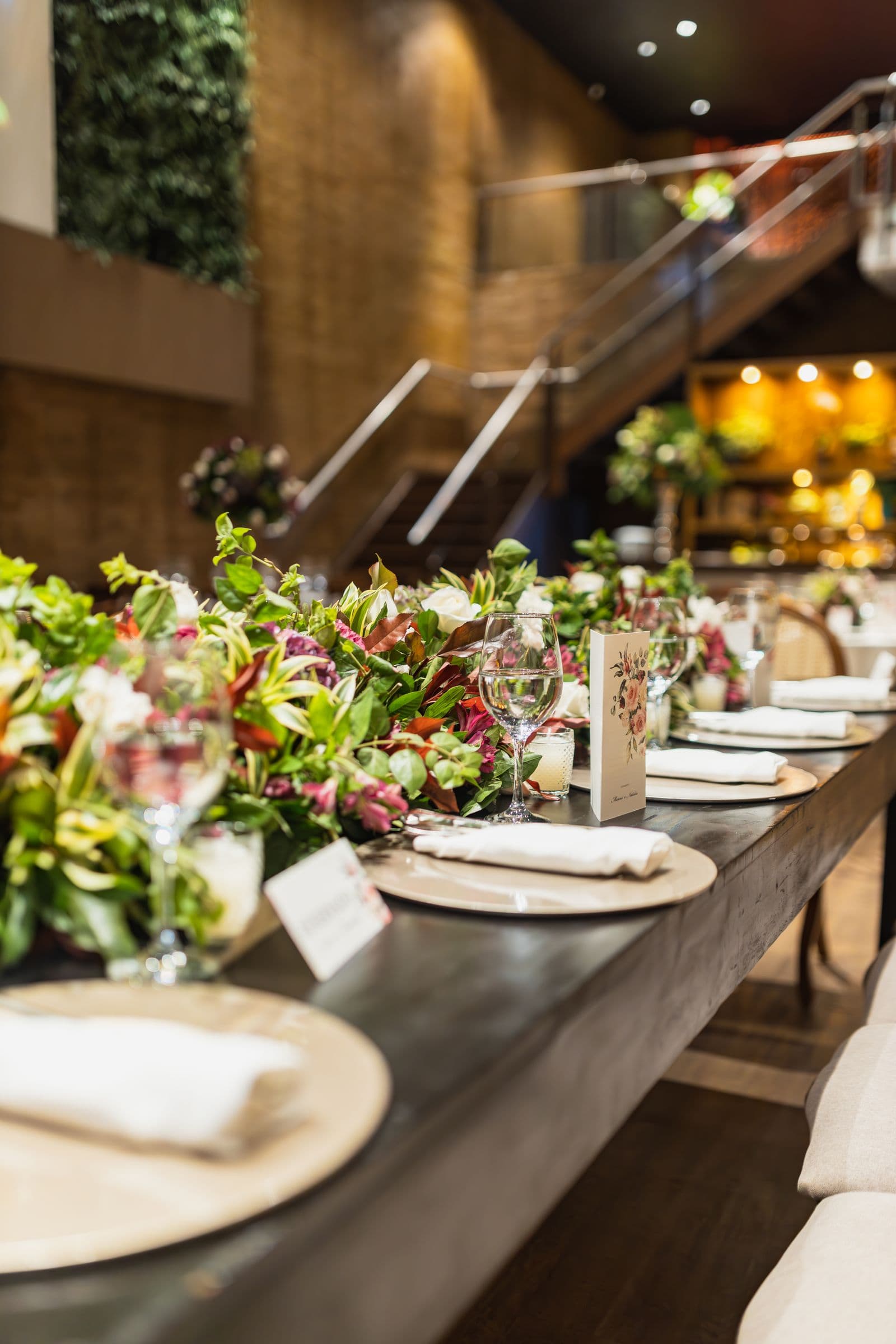
The table is where guests spend the longest, most relaxed stretch of the whole day, phones out, food photographed, and time to actually do something on their screen. If you place the code nowhere else, place it here. These are the spots that work, and the specific thing to know about each:
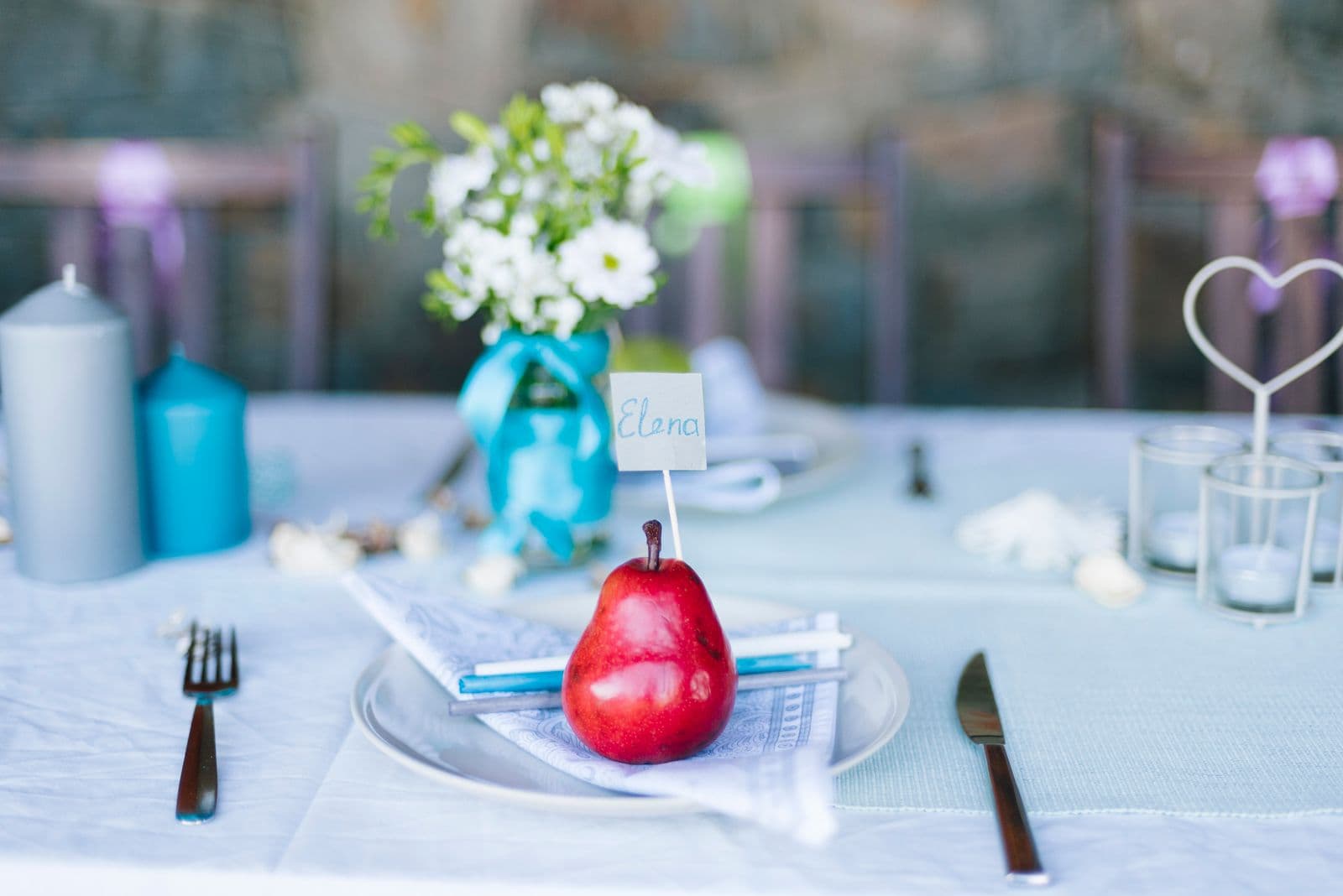
- On the place cards. Print a small code on the back or corner of each guest's name card. It is the single most personal spot, it sits directly in front of every individual seated guest, and it survives the whole meal because nobody moves their place card. The trade-off is that you print more of them, but they double as a keepsake and a scan prompt in one.
- In the table-number stand. If you use numbered table markers, the reverse side is prime real estate. Guests glance at the number when they find their seat, so a code on the back is seen early and stays put in the centre of the table where everyone can reach it. One stand covers a whole table cheaply.
- Tied to the centerpiece. A small tag hung from the florals or looped around a vase puts the code at eye level rather than flat on the cloth. It reads as part of the decor rather than admin, and because the centerpiece is the natural focal point of the table, eyes land on it constantly.
- Printed on the menu card. Guests read the menu closely, often more than once, and always with their attention fully on the card. Tucking the code and one line of wording at the foot of the menu means it is seen during the most captive moment of the meal. It costs nothing extra if you are already printing menus.
- A small table tent. A little folded card that stands up on its own is the most flexible option: it is double-sided, visible from both ends of the table, and needs no other stationery to exist. Keep it small so it does not crowd the setting, but stood upright it is far harder to miss than anything lying flat.
Table Spot Cheat Sheet
| Spot | Why it works | Watch out for |
|---|---|---|
| Place card | Personal, one per guest, stays put all meal | More to print; keep the code from crowding the name |
| Table-number stand | Seen early, central, one covers the whole table | Only works if you already use numbered stands |
| Centerpiece tag | Sits at eye level, reads as decor, natural focal point | Can be hidden by tall flowers or foliage |
| Menu card | Read closely and repeatedly, fully captive attention | Gets cleared away when plates are; lost after dessert |
Beyond the Table: Other High-Traffic Spots
Tables catch the seated hours, but your guests move around all day, and each spot they pass through catches them in a different mood and a different moment. Spread a few codes across these places and you cover the parts of the day the table never sees. For what to actually write beside the code in each spot, the wedding photo sharing sign wording guide has ready lines you can lift:
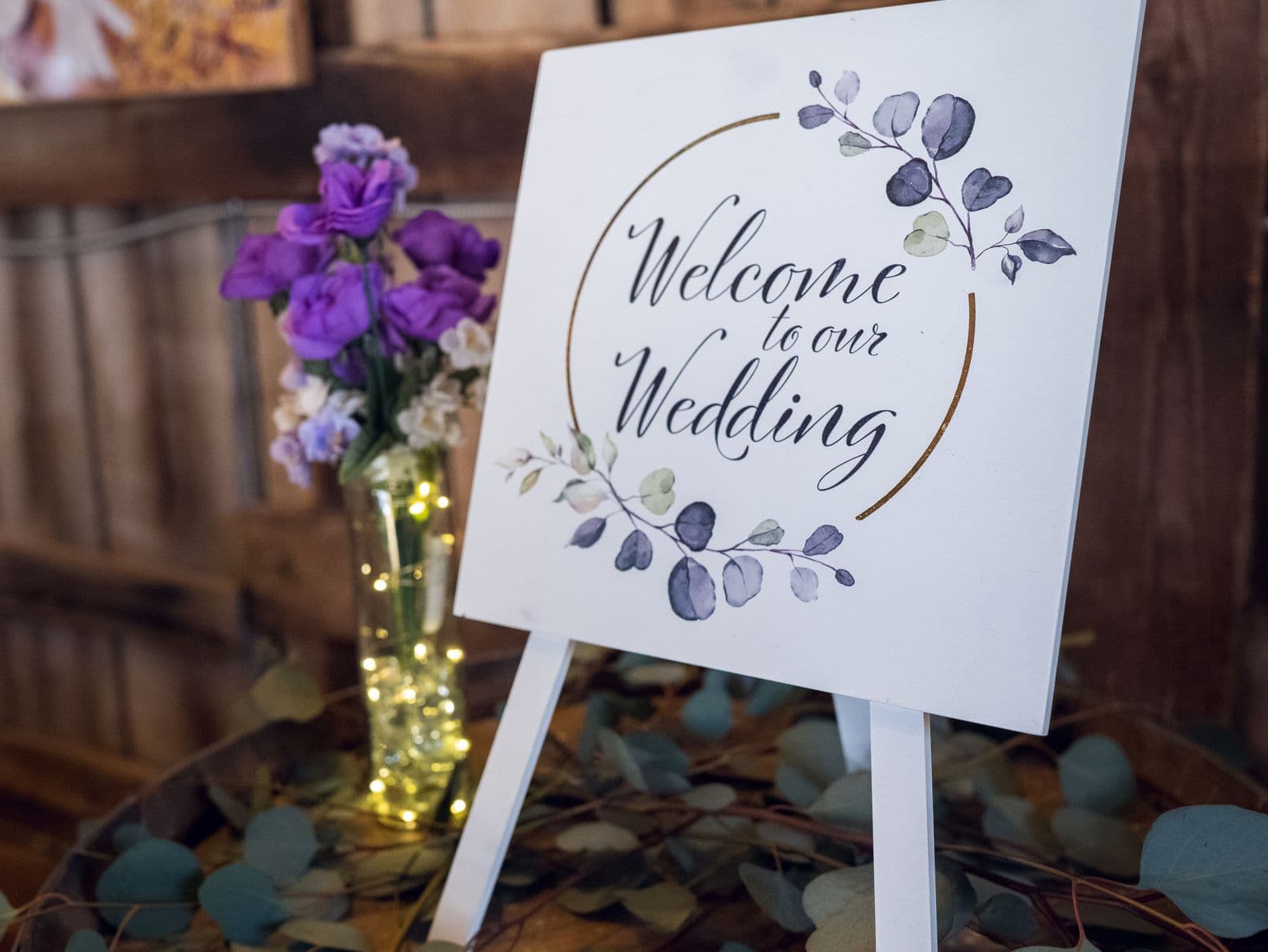
- The welcome sign or entrance catches guests at their most curious, right as they arrive, phones out for a first photo of the venue. It sets the expectation that this is a wedding where sharing is welcome, even if most of the actual uploading happens later.
- The bar is where people wait, and waiting is when phones come out. A small code by the drinks list or on the bar itself catches guests during those idle two-minute gaps that repeat all night long.
- The photo or slideshow area is the one spot where guests are already thinking about pictures. If you run a live slideshow, a code beside the screen turns every this is lovely moment into an upload, because they see their own photos could be up there next.
- The restroom hallway is quietly one of the highest-traffic routes at any wedding, and it is a private moment with a phone already in hand. A single framed code on the way there or back gets far more scans than its humble location suggests.
- The order of service, the little printed programme guests hold during the ceremony, puts a code in every hand for a solid stretch. Guests keep it, glance at it, and often tuck it away as a memento, so the code travels home with them too.
How Many QR Codes Do You Need?
The honest answer is more than you think. As a working rule, aim for at least one code per table, plus one at the bar and one at the entrance. For a ten-table wedding that is a dozen or so placements, which sounds like a lot until you remember the code is just a small image on stationery you are printing anyway. There is no per-code cost and no limit; the same code works on all of them, so printing extras is close to free.
The relationship is refreshingly simple: more signs mean more scans, and more scans mean more photos. There is no clever ceiling where extra placements stop helping. Every additional spot is another chance to catch a guest at the exact moment their phone is out and their mind drifts to the pictures they took. When printing one more table tent costs pennies, the only real mistake is being stingy with placements. Print generously and put a code wherever a guest might pause.
Placement Rules That Keep Scans High
Where you put the code matters, but so does how you present it in each spot. A code in the perfect location still fails if a phone camera cannot lock onto it. Follow these and every placement pulls its weight. If you have not created your code yet, the walkthrough on how to set up wedding photo sharing in 5 minutes gets you a crisp, downloadable one first:
- Stand it up at eye level, not flat on the table. A code lying face-up on the cloth is hard to see and awkward to scan from a seated angle. Anything upright, a tent card, a framed sign, a table-number stand, reads instantly and photographs cleanly.
- Keep it at least 3cm across. On stationery held close, three centimetres is a reliable minimum; on a welcome sign seen from a step or two back, go bigger. When in doubt, print it larger, because a code that is too small simply will not scan.
- Use high contrast. Dark code on a plain light background scans fastest. Beautiful gold-on-blush looks lovely and often will not read at all. Save the delicate palette for the border, not the code itself.
- Leave a clear margin around it. A QR code needs quiet space on all sides to be recognised. Do not run text or florals right up to its edges; a clean frame of white around the code is what lets the camera find it.
- Never hide it behind glasses or flowers. The prettiest centerpiece placement is worthless if a wine glass or a tall stem sits in front of the code by the time everyone is seated. Position it where it stays visible once the table is fully set and in use.
Placement Mistakes to Avoid
- Relying on one sign. A single code by the door is the classic error. It is seen once, at arrival, and forgotten by dinner. Spread codes across tables and key spots instead of trusting one to do all the work.
- Laying the code flat where it hides. Face-up on the table, a code disappears behind plates, glasses, and hands within minutes of guests sitting down. Stand it upright so it stays in view all through the meal.
- Printing it too small. A code shrunk to fit a corner of the menu may look tidy but refuse to scan. Give it room and size it generously; a scannable code beats a discreet one every time.
- Setting it against a busy background. A code floating over a patterned photo or a dense floral print confuses the camera. Keep the area immediately around the code plain and calm.
- Leaving the code with no words. A bare code makes guests hesitate, unsure what it does or where it leads. One short line of instruction turns a mystery square into an obvious invitation. The complete approach to nudging every guest to actually upload is in how to collect every photo your wedding guests take.
Placement is the cheapest lever you have and the one that moves your photo count the most. The code costs nothing to reprint, so the couples who come home with hundreds of candid shots are simply the ones who put it everywhere a guest might pause: on the tables first, then the bar, the entrance, and the quiet routes in between. Decide where yours will live before the morning of the wedding, print a few more than feels necessary, and let your guests fill the gallery for you.
Frequently asked questions
Where should I put my wedding QR code?
Start with the tables, because that is where guests spend the longest and where phones are already out. Put a code on every table, then add one at the bar and one at the entrance. The more spots a guest passes where they can see the code, the more photos you will collect.
Do I need a QR code on every table?
Yes, ideally. A single sign by the door is invisible by dinner, when the best candid photos are happening. A code on each table keeps it within arm's reach through the meal and the speeches. The same code works everywhere, so printing one per table costs almost nothing.
How big should a table QR code be?
At least 3cm across on close-held stationery like place cards and menus, and larger on a standing sign seen from a step back. Keep it dark on a light background with a clear margin around it. When unsure, print it bigger, since a code that is too small simply will not scan.
Can I put the QR code on the menu or place cards?
Both are excellent spots. Guests read the menu closely and repeatedly, and a place card sits directly in front of each individual all through the meal and stays put. Just leave a clean margin around the code and keep it from crowding the guest's name or the menu text.
Where else besides tables should the QR code go?
The welcome sign, the bar, the slideshow screen, the restroom hallway, and the order of service each catch guests at a different moment of the day. Adding a few of these beyond the tables covers the hours guests spend away from their seats and reliably lifts how many photos you get.
Get a QR code worth placing
Create your event, download a crisp QR code, and drop it onto every table. Guests scan and upload in seconds, no app.